Table of contents
If any value needs to be displayed in the Artist App, it must be added in Local Details.
– Local Details values are public and can be shared with the artist.
– Event Details values are private and will not be shown in the Artist App.
So, here’s how to configure and display a value:
First, create a field like “Get In” and activate the “Start-Time” checkbox in: SETTINGS → BOOKING → Local Details Settings.
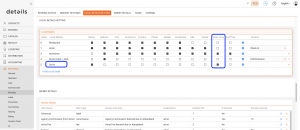
This “Start-Time” value will be used as the Get In time and will appear in both the itinerary and the Artist App.
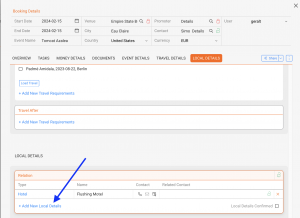
Then add the “Get In” value in the event date’s Local Details:
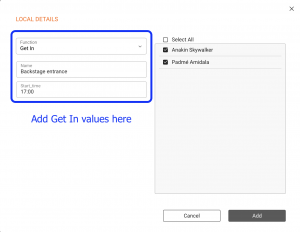
“Get In” value in Artist App
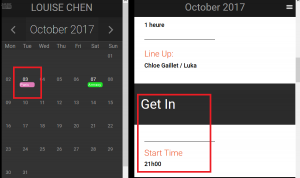
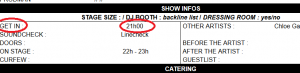
“Get In” value in itinerary