
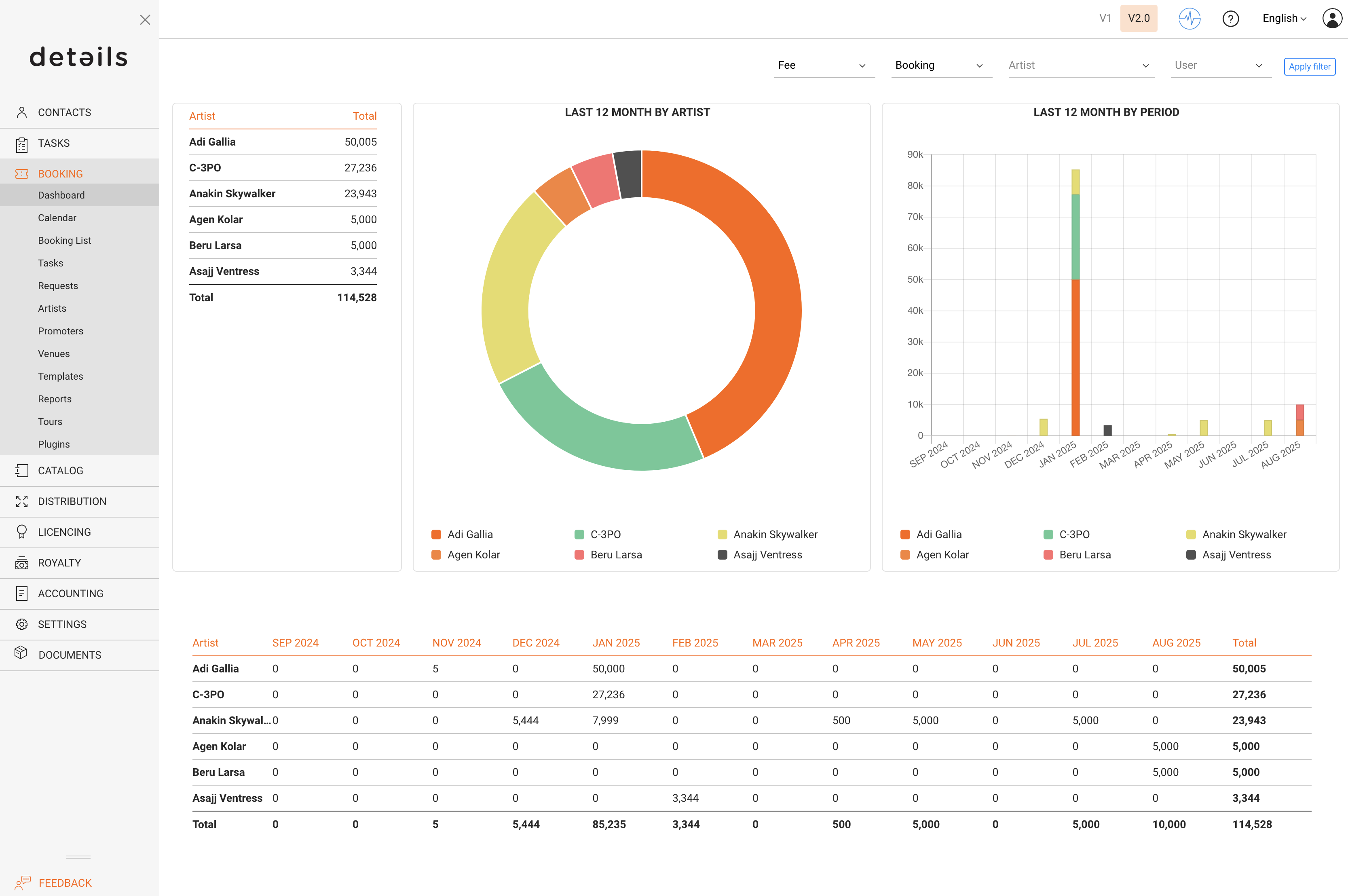
We re excited to introduce our new Dashboard, giving you instant access to key financial data for selected artists and a clear overview of both artist and agent performance at a glance.
You will find the dashboard under the Booking Tab in the main menu.
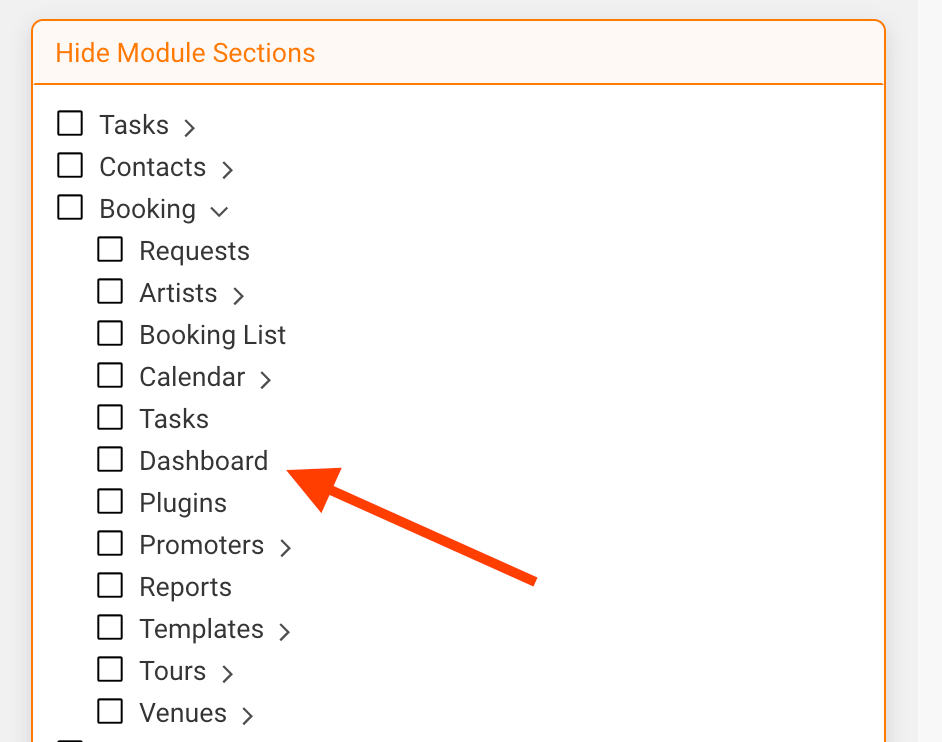
If it is disabled, you can enable the dashboard in the Settings -> User Settings and uncheck the DASHBOARD box. Note: This can only be done by users who are an admin.
You can set the following filters in the top right of the dashboard. Make sure to click the Apply Filter button once the filters are set.
Type
- Fee
- Booking Fee
Kind
- Invoice
- Payment
- Booking
Artist
- Which artist
User
- Agent