
How to set up artists
How to set responsible agents for artists
How to use the ‘Available artists’ option
How to create Ical links & Artist Access to the App
How to install the Artist App on mobile devices
How to relate Artist►s bank details to Templates
::# # # Here starts a detailed overview of the BOOKING / ARTISTS section # # #::
All Artists
The List displays all booking artists currently available in your database including default performance type and basic contact information.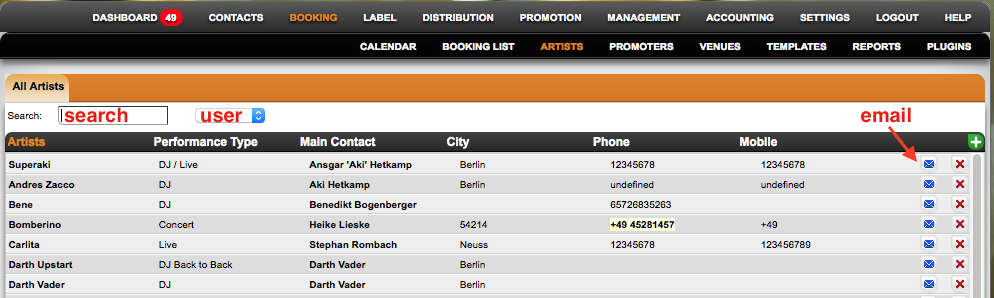
You can ADD, EDIT or DELETE booking artists.
* to add an artist click on the green PLUS icon on the top right of the list.
* to edit an artist click on the artist name to open the selected artist.
* to delete an artist, click on the red x icon on the far right of the list for the selected artist.
NOTE: You will be asked to confirm wheter or not you really want to delete this artist!
If you do, all artist information will be removed from the database, so make sure you don►t delete artists lightly …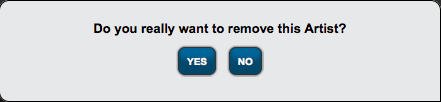
Selected Artist
* Overview
* Additional Info
* Artist Defaults
* Other Defaults
* Bookings
* iCal Web Links
* Artist App
* Map
Booking – Artists
Recently Viewed
Your recent pages