Table of contents
Booking ► Artists ► Other Defaults
Overview:
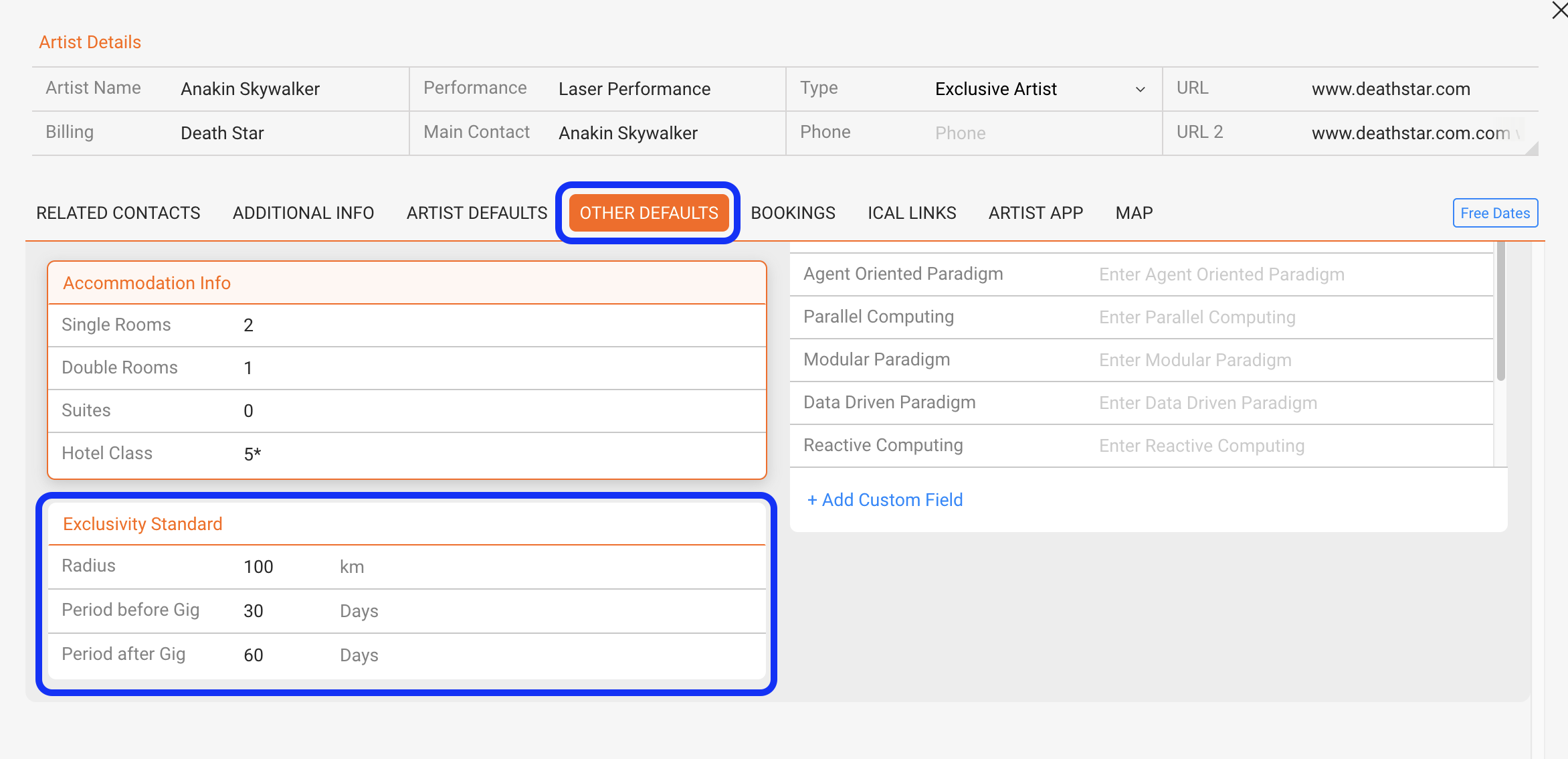
You can define default exclusivity settings for each artist. These settings will be automatically applied whenever a new show is created, helping to prevent scheduling conflicts and streamline the booking process.
What can be configured?
For each artist, you can set the following default exclusivity rules:
-
Radius: The geographical range within which no other shows can be booked.
-
Period Before Gig: Number of days prior to a show during which no other gigs can be scheduled.
-
Period After Gig: Number of days after a show during which no other gigs can be scheduled.
How does it work?
-
Go to Booking ► Artists ► Other Defaults.
-
Select the artist you want to configure.
-
Enter values for Radius, Period Before, and Period After the gig.
These values will be automatically applied when a new show is created for the artist.►
You can still manually adjust them on a per-show basis if needed.