
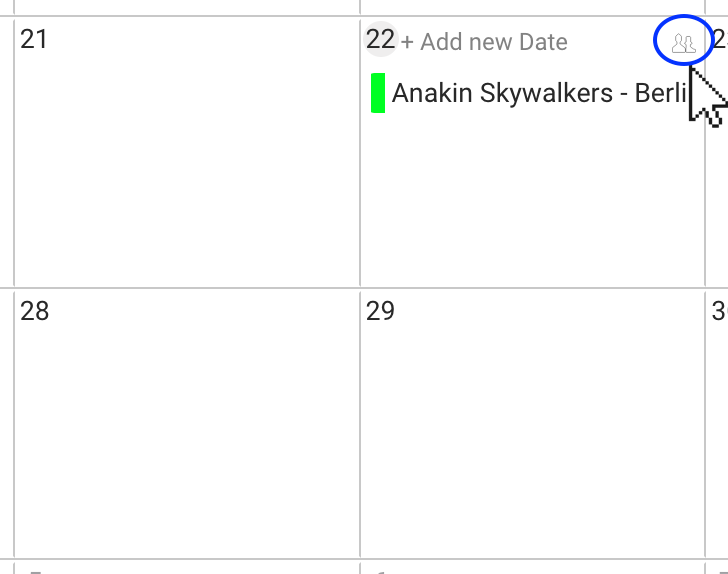
When the “available artist” icon is clicked (picture above), Details will provide an automatic email message including all your roster artists that are available on this specific day.
The email will include the Artist URL provided in the Artist / Additional Infos.
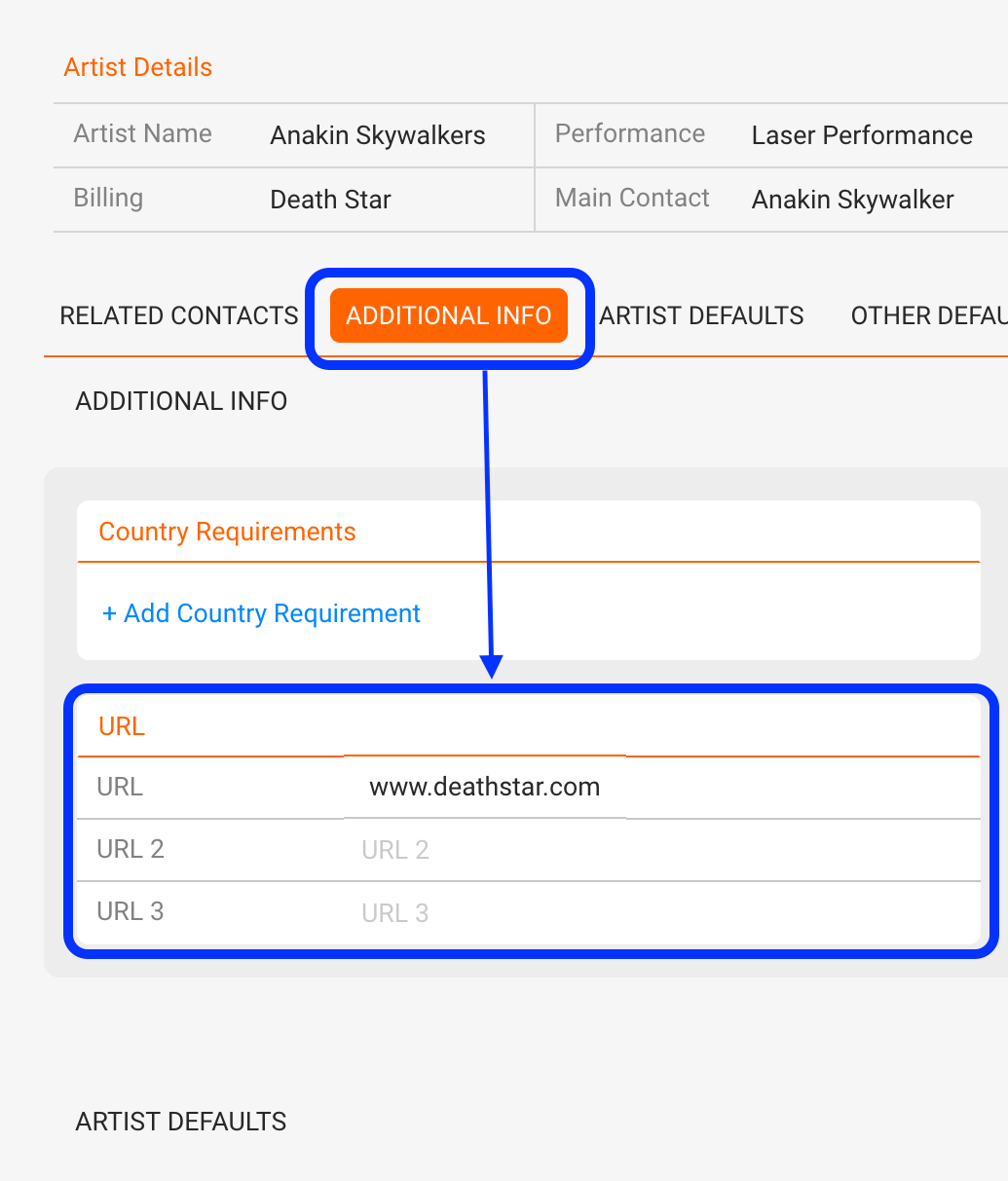
That artists will be displayed there, two conditions for an “available artist” have to be fulfilled:
1) the Artist has to be an “exclusive” artist 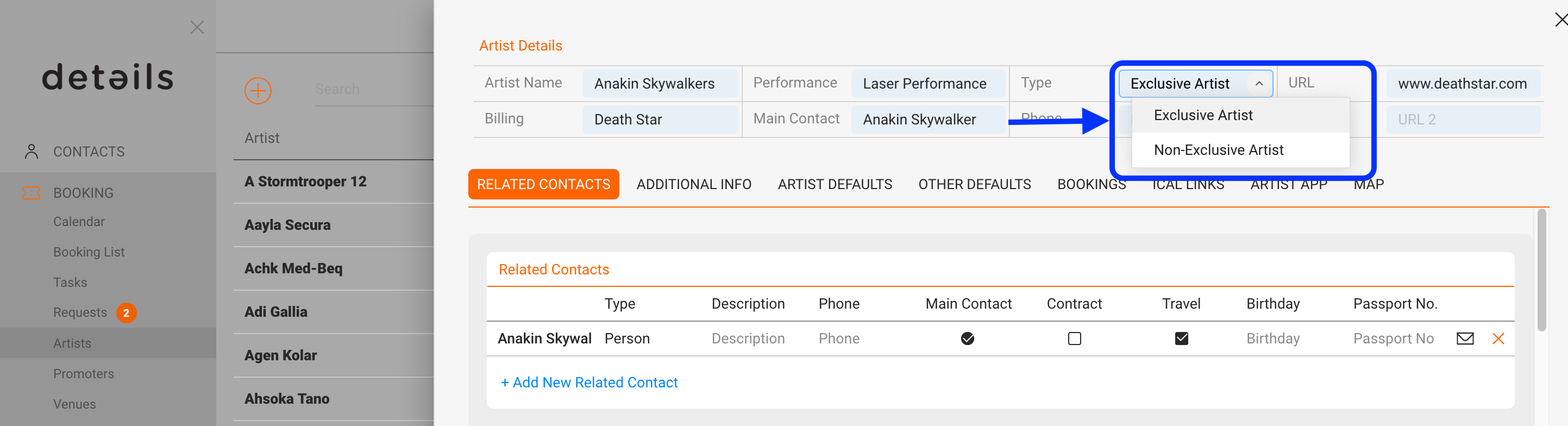
AND
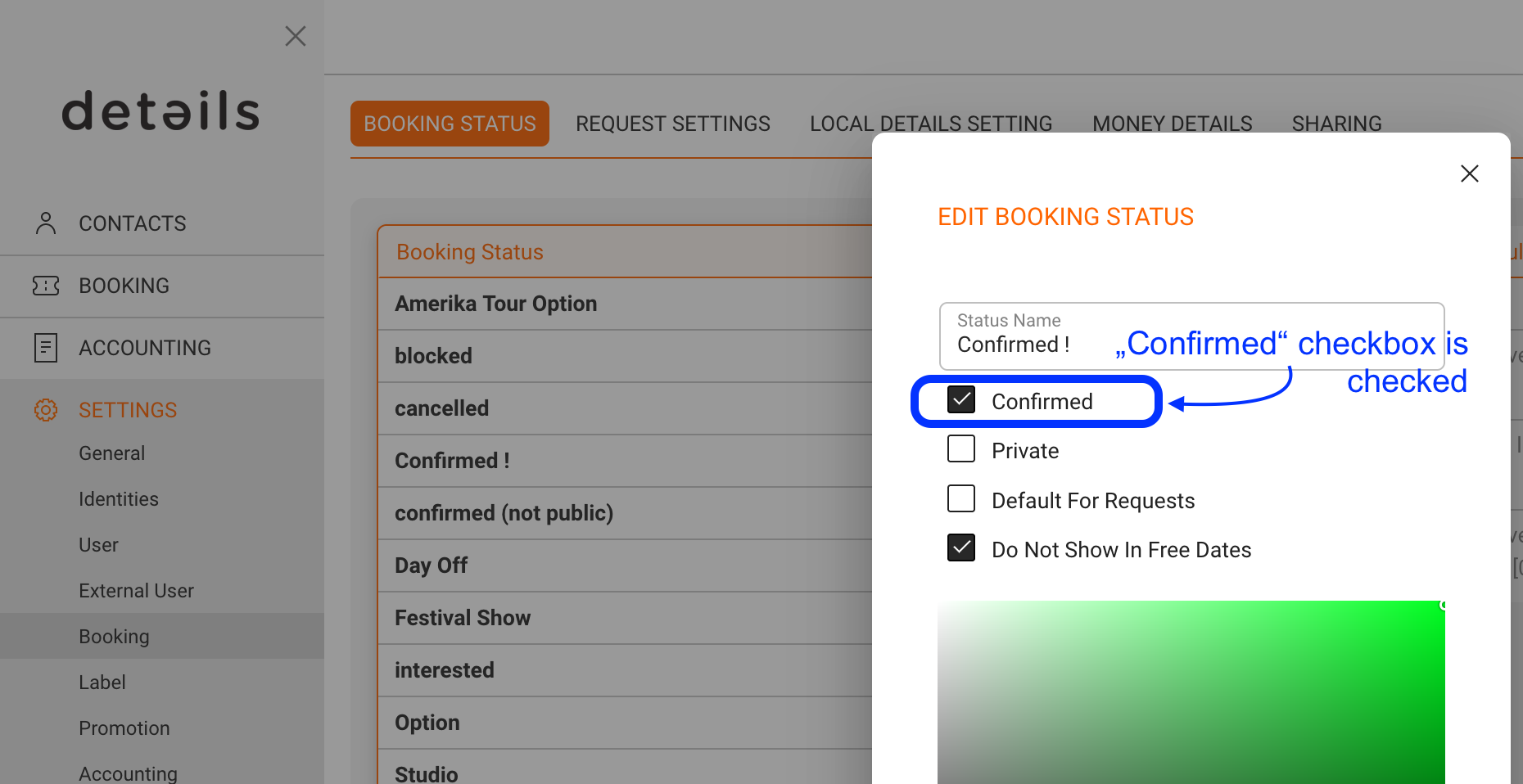
2) the artist does not have a “confirmed” booking on the same day.
You can find more infos about booking status settings Booking Status
If BOTH conditions are met, then the artist will appear on the “available artist” message.
re 1) An artist can be set as exclusive or non-exclusive in Artists / selected Artist / Overview
re 2) a booking is confirmed if their current booking status has the checkbox “confirmed” checked