
Importing sales files manually can be a tedious and time-consuming process. We’re happy to partner with IDOL’s Labelcamp to offer a fully automated sales ingestion solution.
This integration eliminates the need for manual uploads and automatically loads your monthly sales reports into details once set up. How convenient is that?
Setting up a sales import automation from Labelcamp is a straightforward process.
Follow the steps below to automate your sales statement delivery.
-
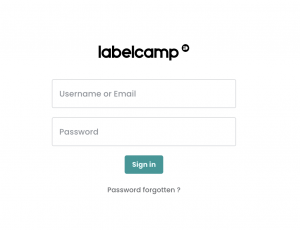
Login to Your Labelcamp Account
- Open your browser and navigate to the Labelcamp login page.
- Enter your username or email and password.
- Click on the “Sign in” button.
-
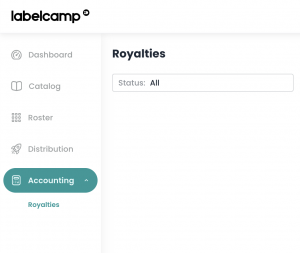
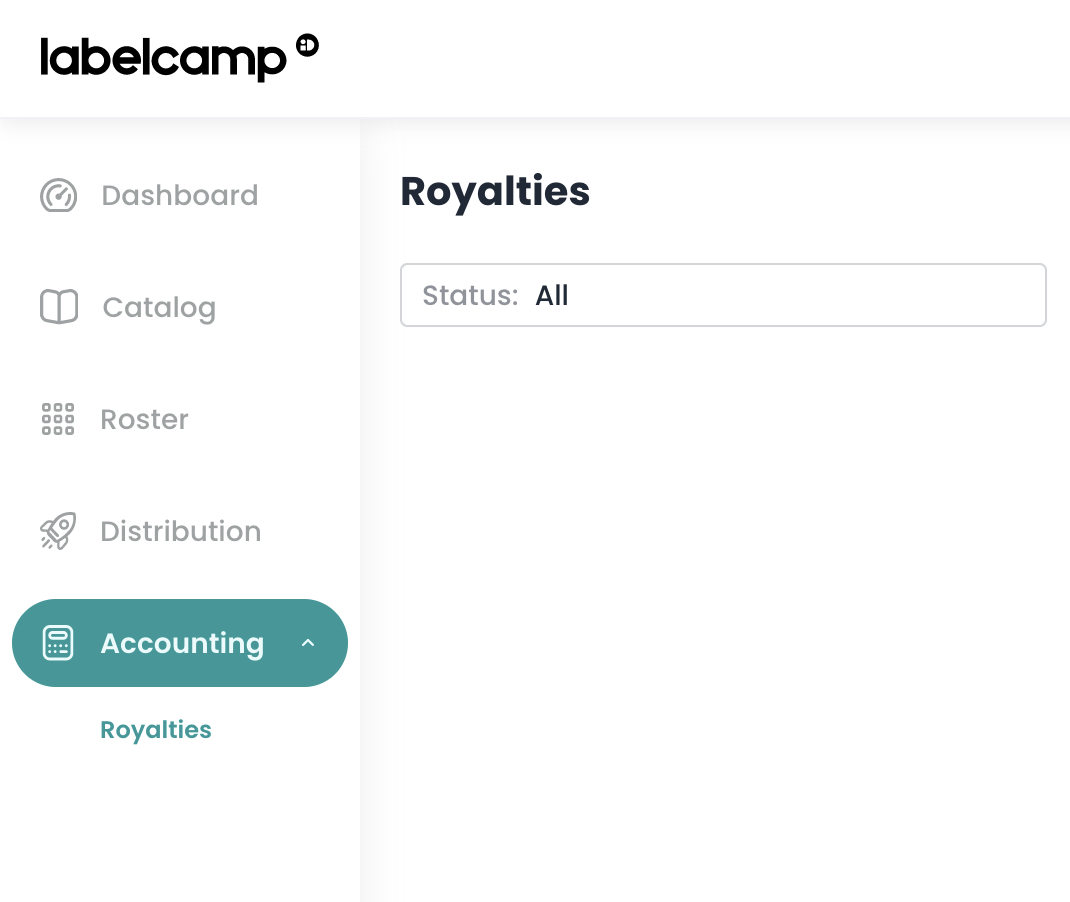
Navigate to Royalties
- On the main menu on the left side of the screen, select “Accounting.”
- Then, select “Royalties” from the submenu.li
-
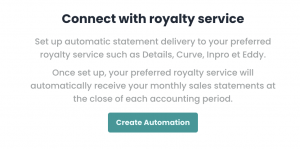
Create a New Automation
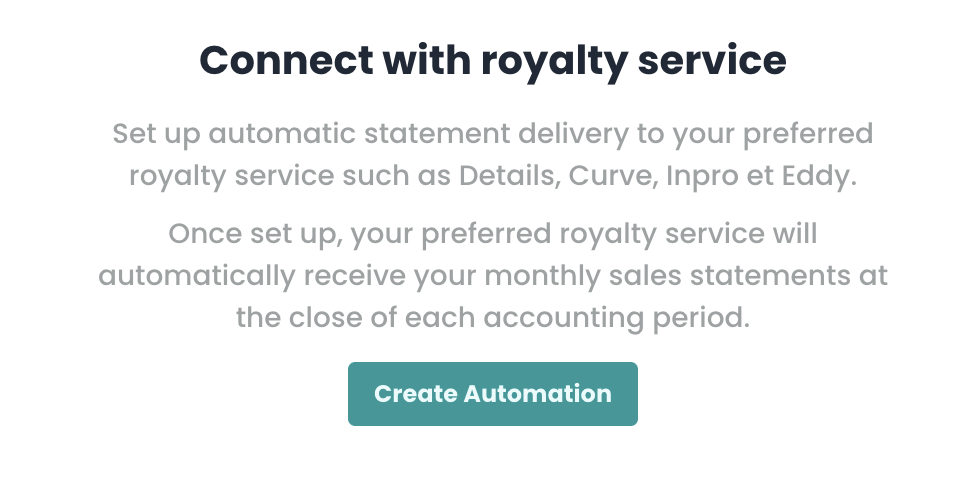
- In the middle of the screen, click on “Create Automation.”
- If you already have created other automations, select “New Automation.”
- Fill in the Automation Details
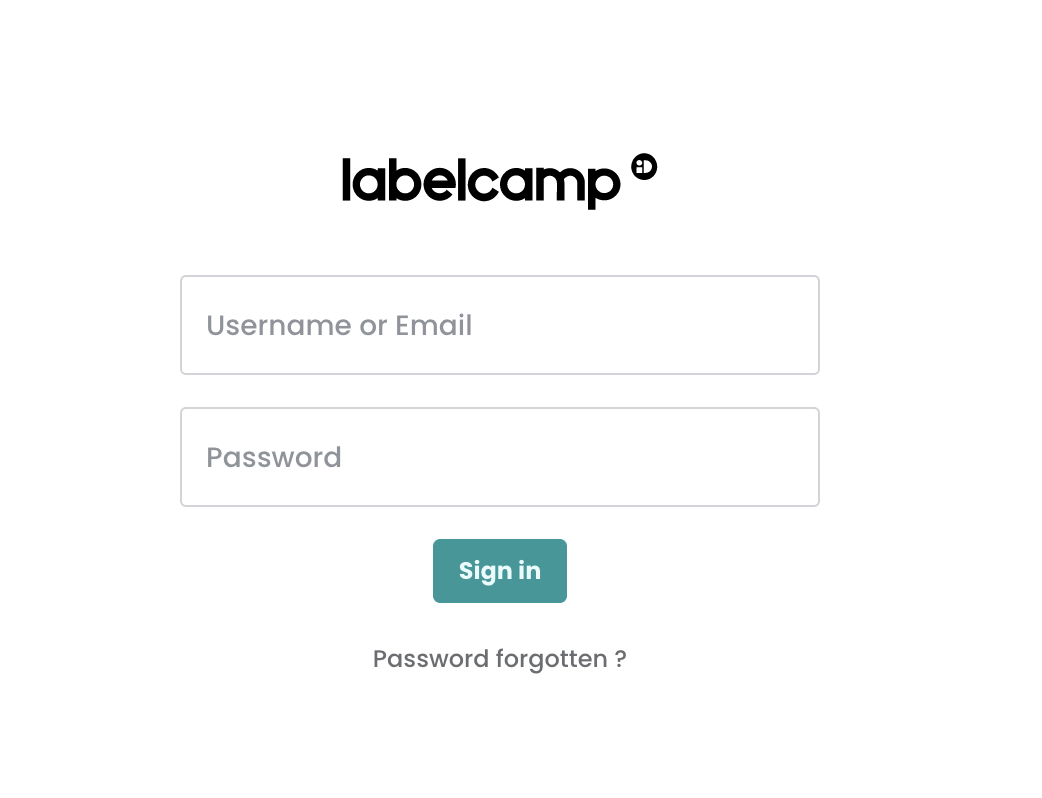
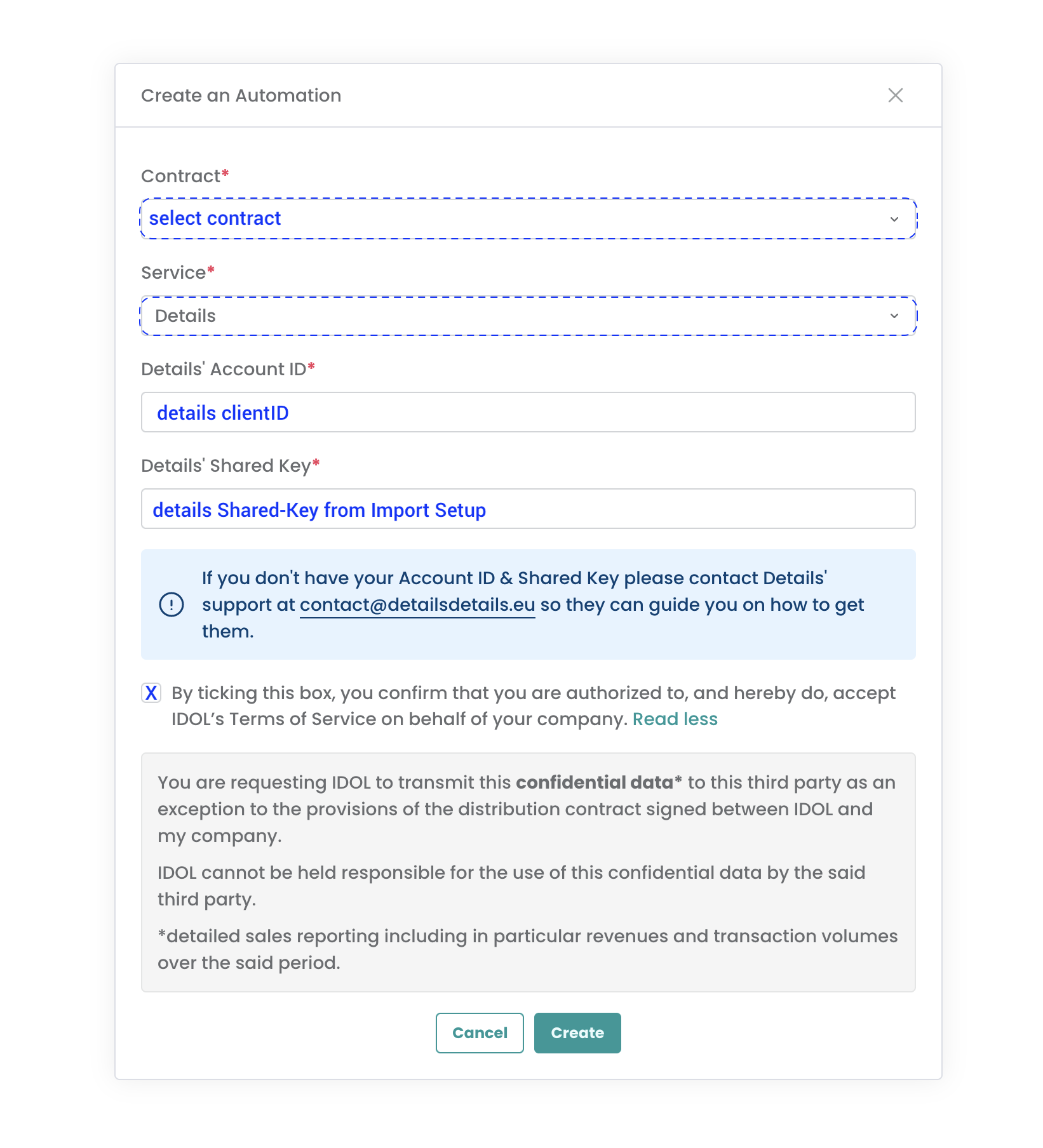
- A modal window will appear to create your automation.
- In the Contract dropdown, select your Labelcamp contract.
- From the Service dropdown, select “Details.”
- In the “Details’ Account ID” field, enter your Details client ID.
This is what follows https://app.details.eu/ in your details login URL.
For example, inhttps://app.details.eu/MyLabel/, the client ID isMyLabel. - In the “Details’ Shared Key” field, enter the shared key you ll find in your IDOL Import Setup in details under Distribution / Accounts / => Idol / Import Setup / open selected Import Setup => Shared-Key.
Note
- You can create multiple import automations from Labelcamp to Details if you have multiple contracts in Labelcamp.
- Each contract will have a dedicated import setup in Details and hence its unique shared key.
- Sometimes, the automatic sales import transfer from LABELCAMP to details can be interrupted due to a disruption in the data flow. When this happens, the automatic sales ingestion may fail, leaving you with incomplete data. In that case read this article.
If you encounter any issues, please contact our label_team for assistance.