Table of contents
Correctly defining and maintaining country information in details is essential, as royalties may differ depending on where products and tracks are sold.
Always ensure that the country data is accurate when creating orders or importing statements. Incorrect or missing country information can lead to inaccurate royalty calculations.
Note: Only use valid countries or ISO2 codes. Do not enter region names such as Benelux or North America these are not accepted as countries in details.
Orders
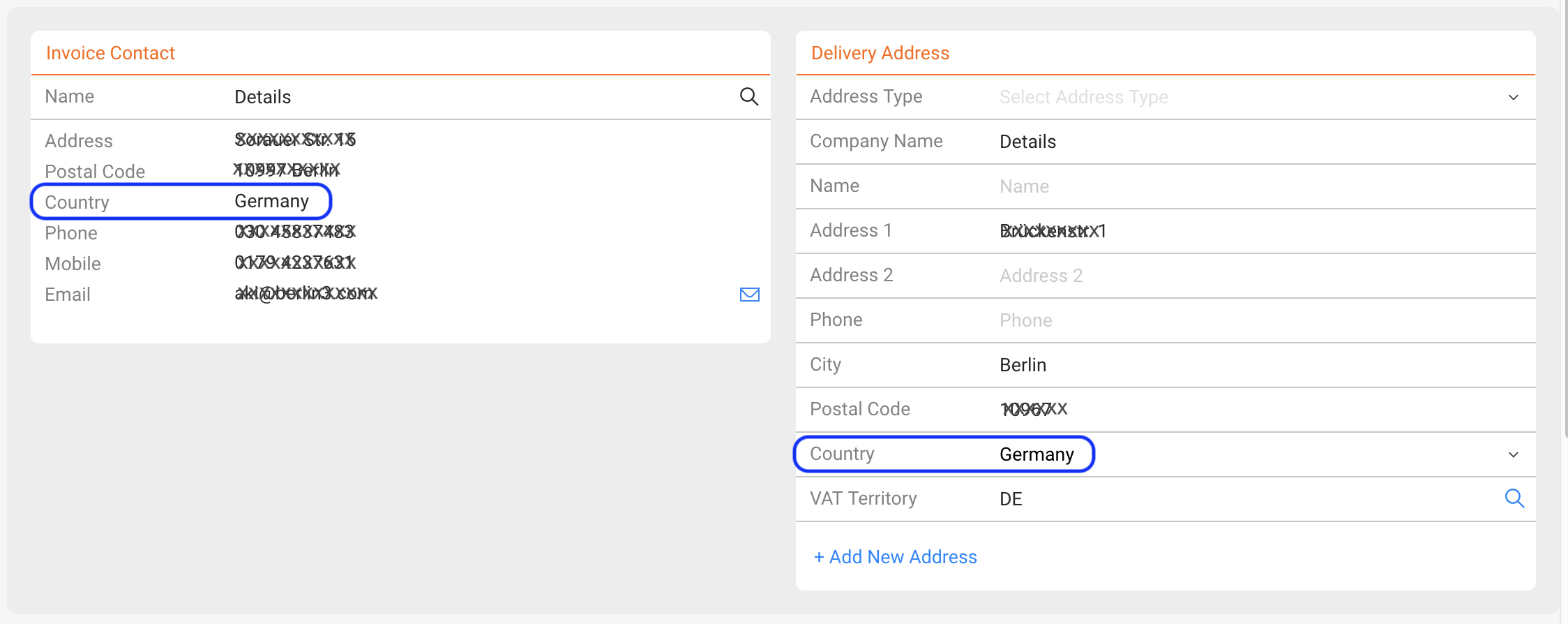
For orders, the delivery address defines the country of sale. If no delivery address is available, the invoice recipient’s country will be used instead.
Therefore, when creating new customers, always include billing and delivery contact information with valid country data.
Imported Sales Statements
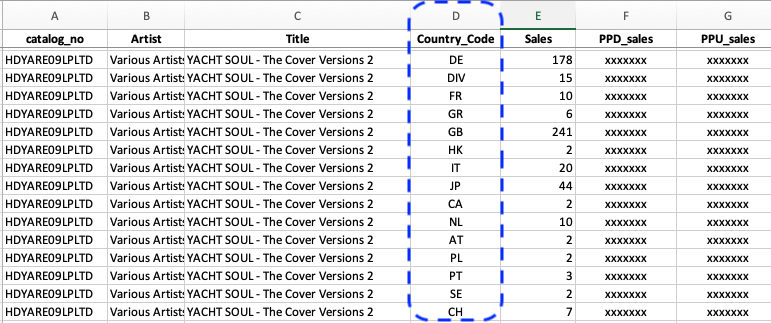
When importing sales statements, the country of sale is often included in each line of the file. Tag the corresponding column with the “Country” import tag to import this information per line.
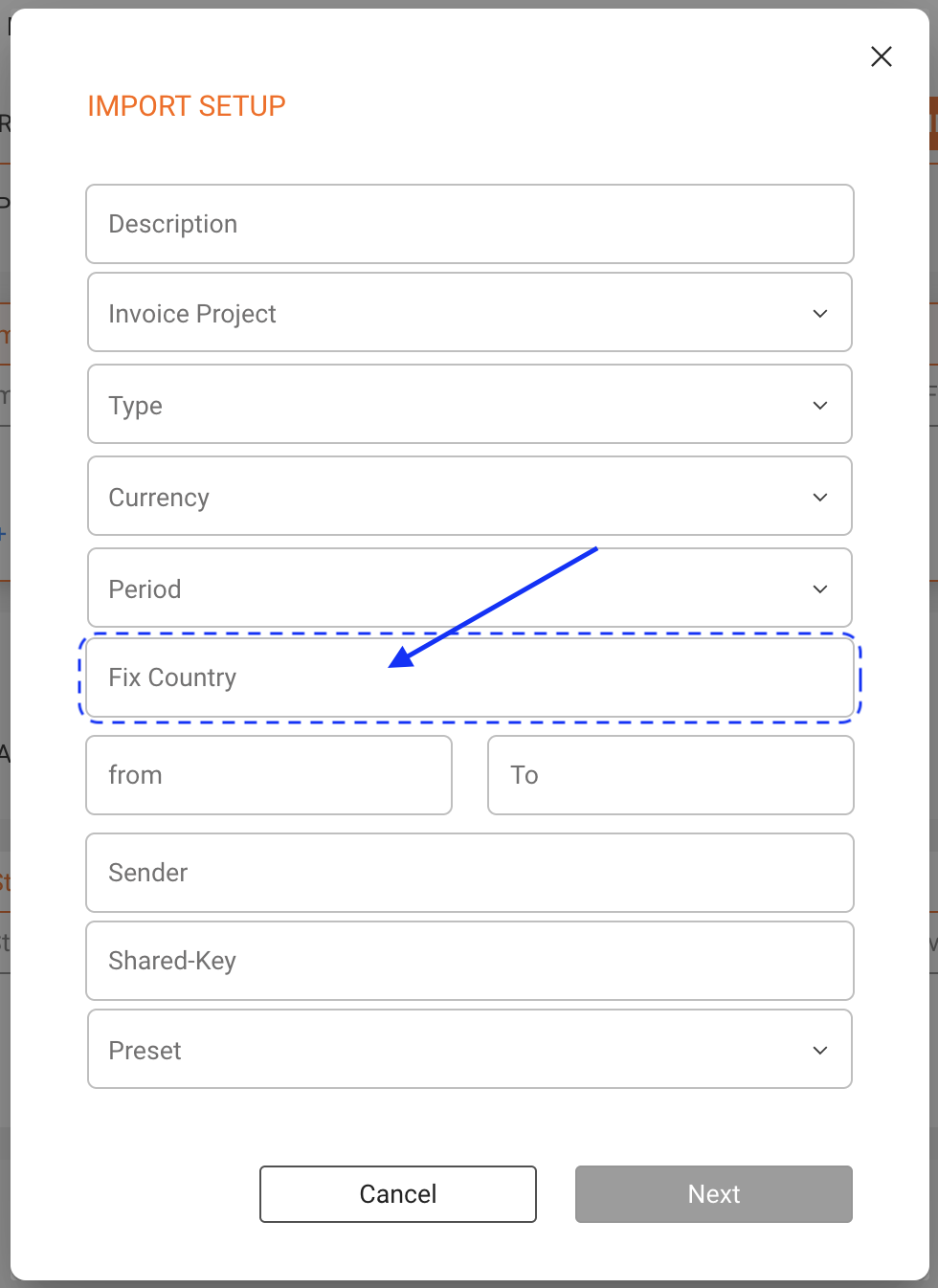
If no country information is available in the statement, you can assign a fixed country to the import. To do this, go to DISTRIBUTION / ACCOUNTS select the account IMPORT SETUP select the Import Setup and enter the country name or ISO2 code in the Fix Country field.