
Table of contents
The Product Track List allows you to update, add, or move tracks between products in CATALOG / PRODUCTS. This is useful when correcting product assignments or adjusting track lists after release planning.
Accessing the Product Track List
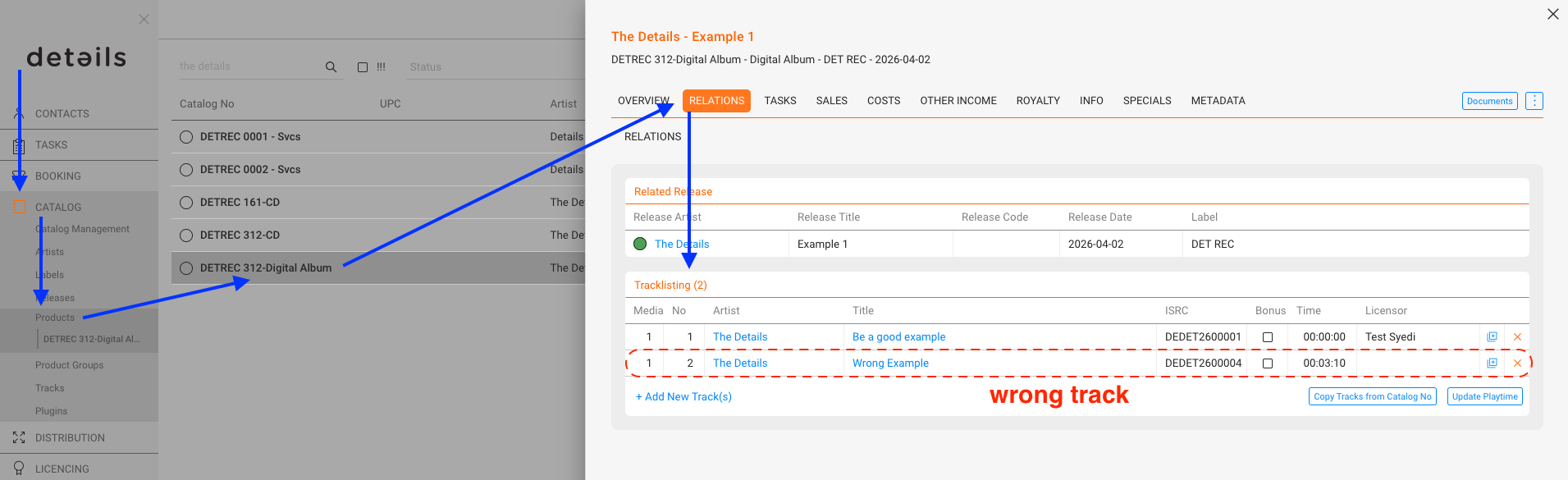
- Go to CATALOG / PRODUCTS.
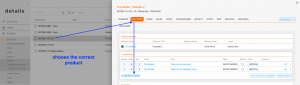
- Select the product you want to edit.
- Open the RELATIONS tab.
- Locate the Track Relations (Track List) section to view and manage assigned tracks.
Moving a Track to a Different Product
-
Remove the Track from the current product by editing its track list.
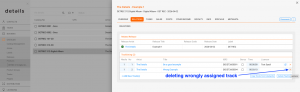
-
Add the Track to the new product by choosing [Add Existing Track] and searching for the track.
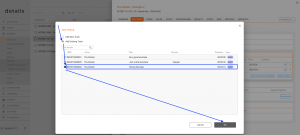
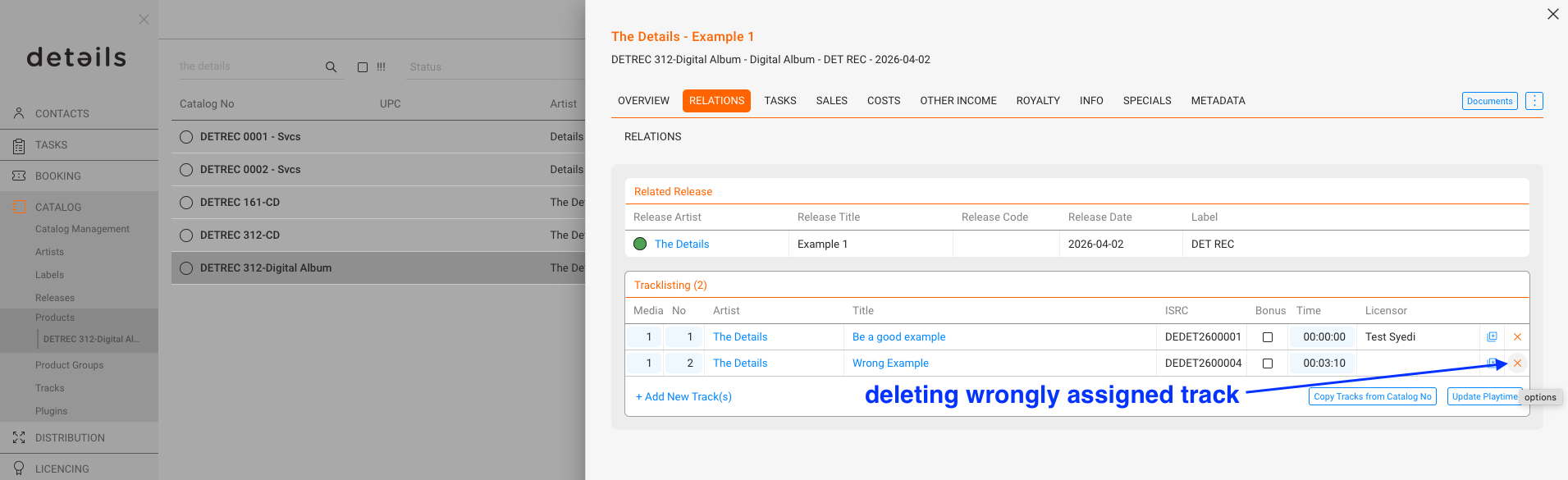
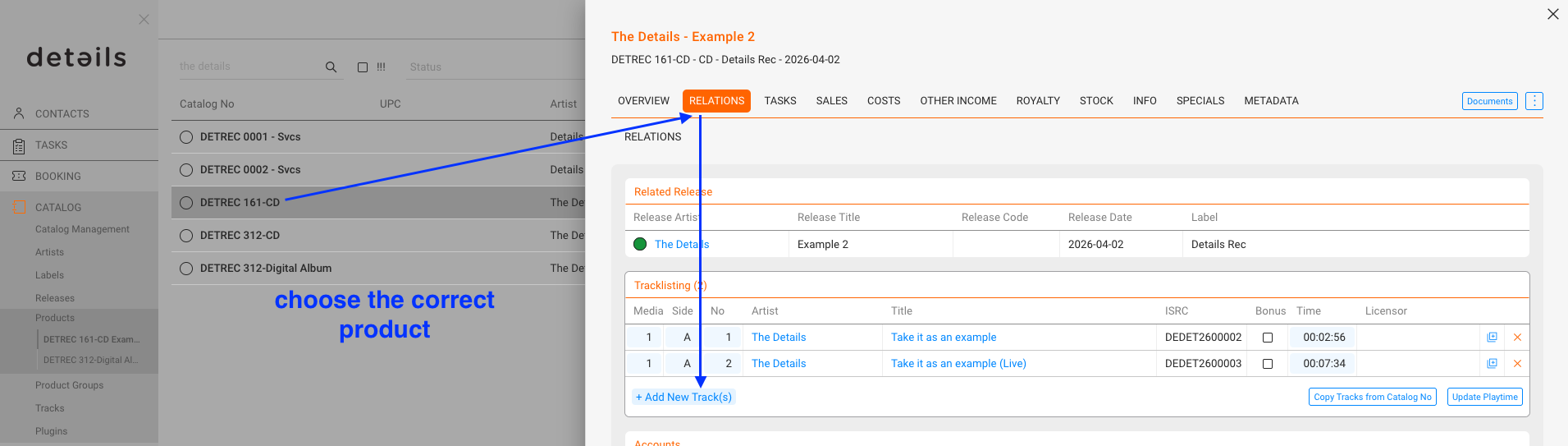
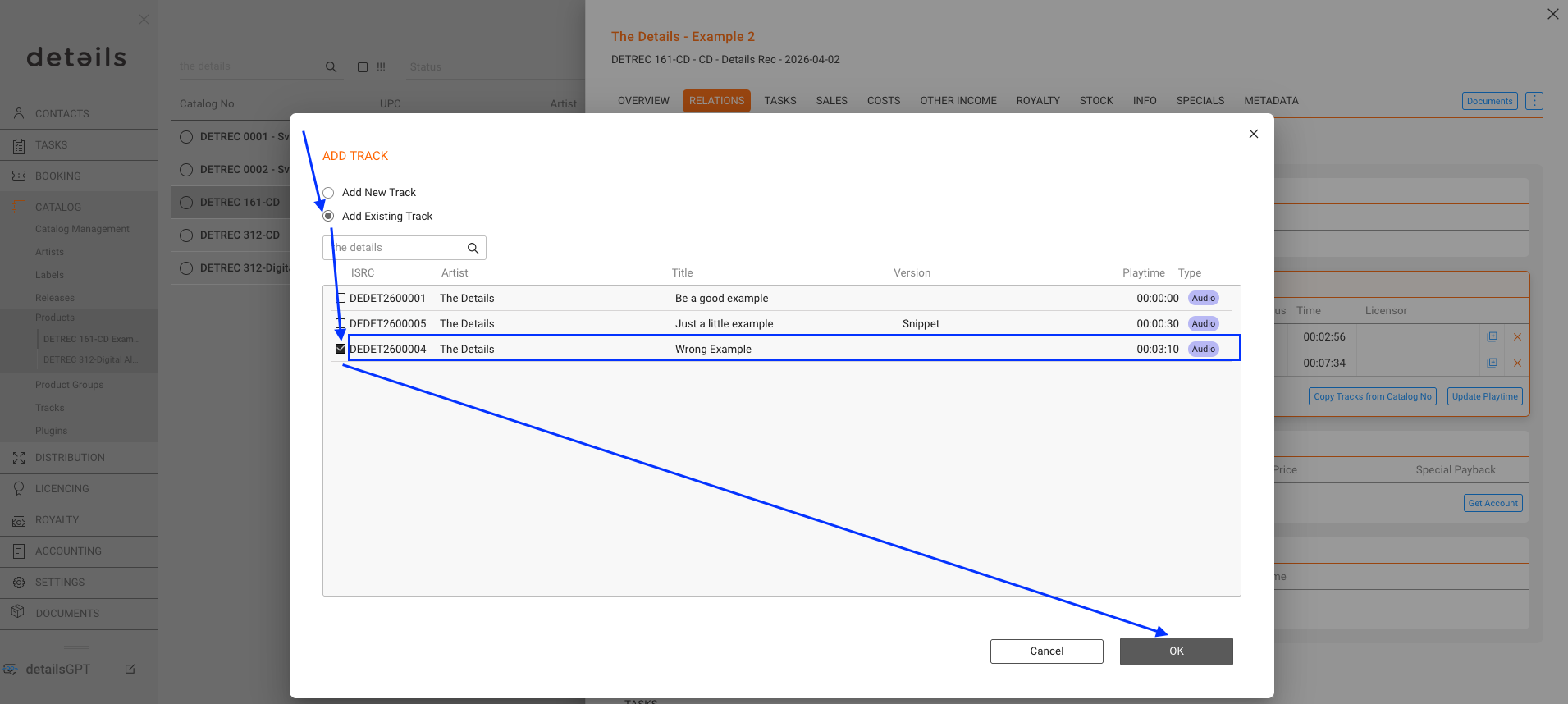
Note: Removing a track from one product does not delete it from the catalog. It simply breaks the product–track relation.