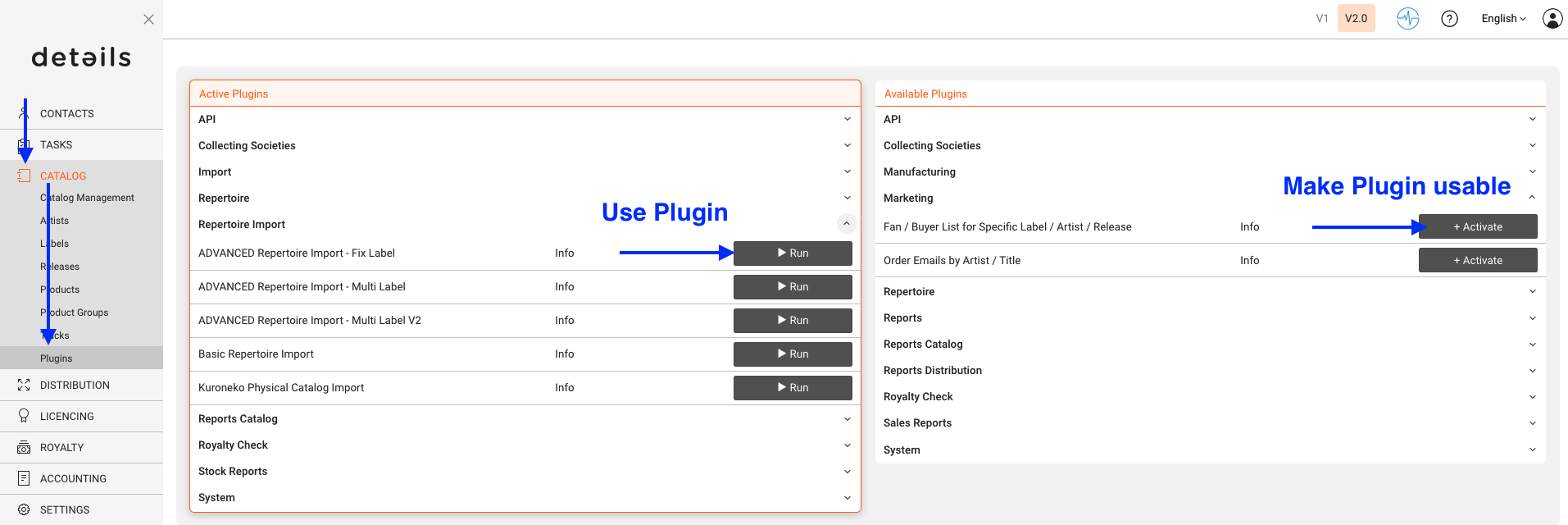
On CATALOG / PLUGINS, details offers a variety of optional reports and features. Some plugins are free of charge, others may be billable.
If additional costs apply, this will be indicated in the description.
To activate a plugin, click on [Activate]. Once a plugin is activated, you can perform its action by clicking the corresponding symbol. A module window will then open to proceed.
► Free Repertoire Import
Allows you to import multiple releases of a label using a standard Excel template. The template file can be downloaded directly from the system.
► Advanced Repertoire Import
Enables the import of multiple releases using extended Excel templates. These can include customized extra fields to better match your catalog structure.
► Metadata Exports
Lets you export metadata of products into an Excel file. Exports can be initiated from PRODUCTS / OVERVIEW by clicking [Documents] and selecting an export template.
► Batch Statements Processing
Allows you to create multiple royalty statements in a batch process. Batch runs can be started from ROYALTY / ALL ROYALTY STATEMENTS.
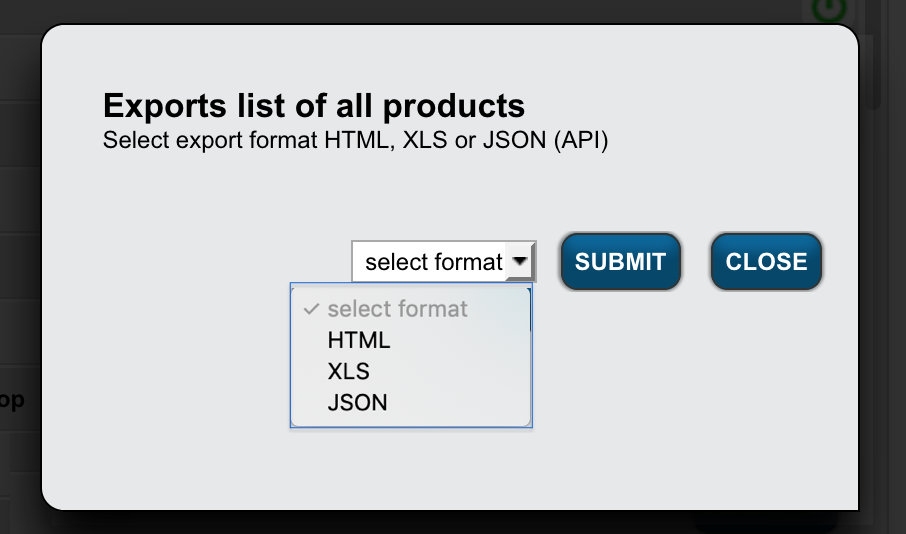
► List of All Products
Exports a complete product list in HTML, XLS, or JSON format. The export file includes all product-related columns.