
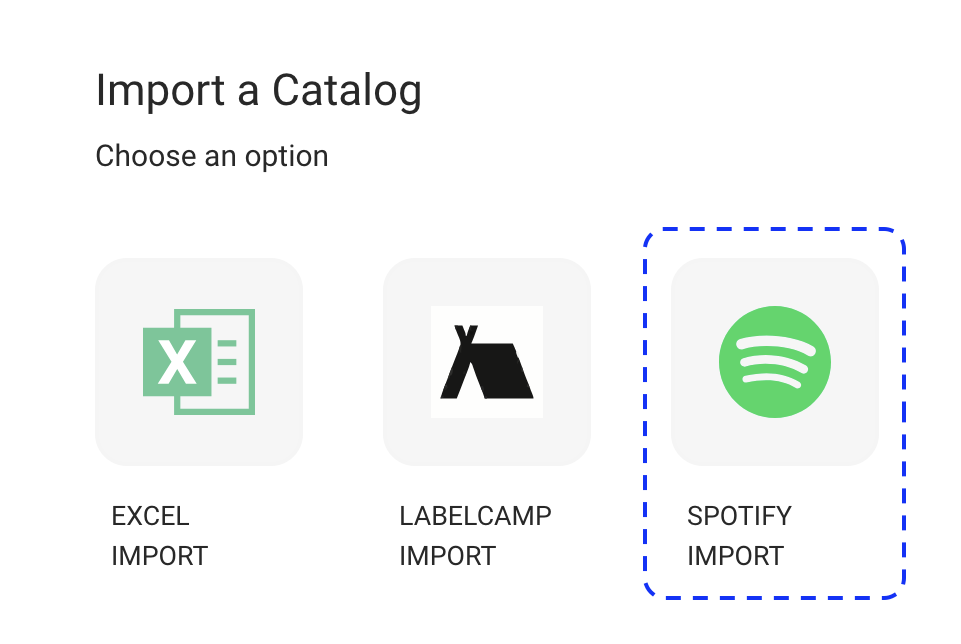
This article provides an overview of the Spotify Import interface in CATALOG MANAGEMENT / CATALOG IMPORT.
Use this interface to search Spotify, review results, and import digital releases into details.
► Import a Catalog
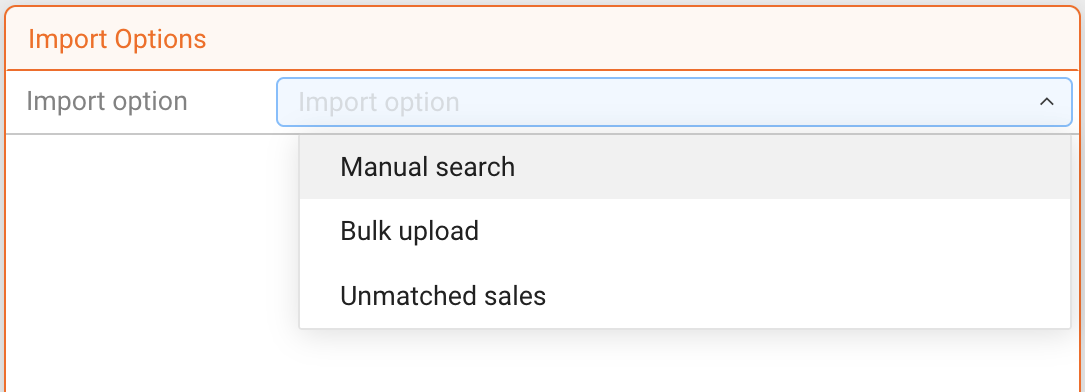
This is the starting point of the Spotify Import.
Select an Import option to define how Spotify should be searched.
- Manual search
- Bulk upload
- Unmatched sales
► Search Results
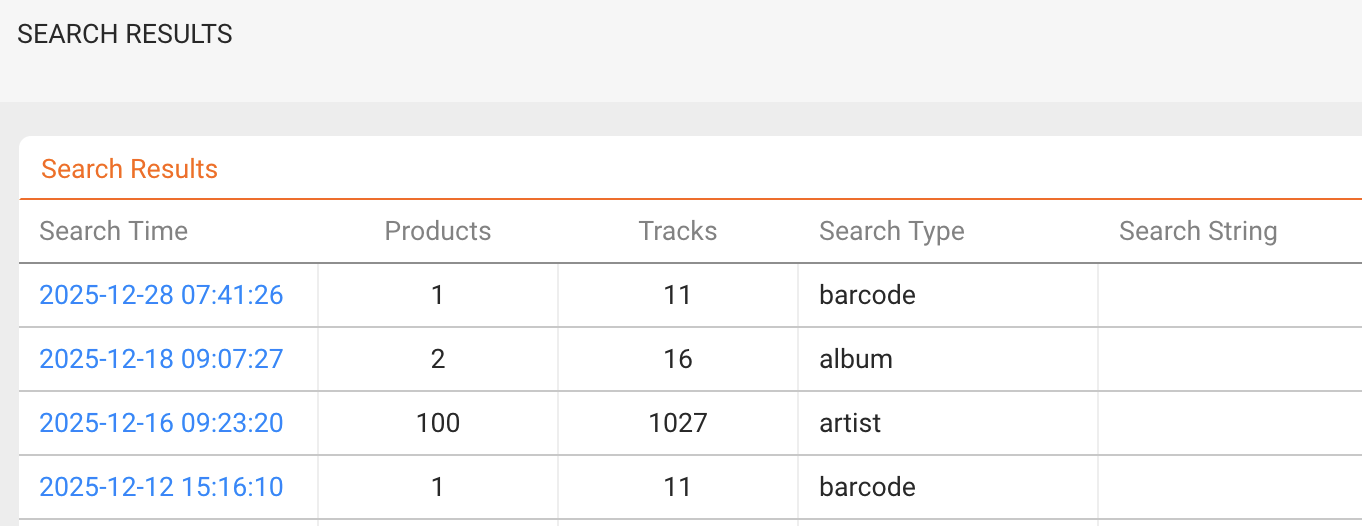
The SEARCH RESULTS tab lists all Spotify searches performed.
Each entry shows:
- Search time
- Search type
- Number of products found
- Number of tracks found
Open a result to inspect the products and tracklists before importing.
► Instructions
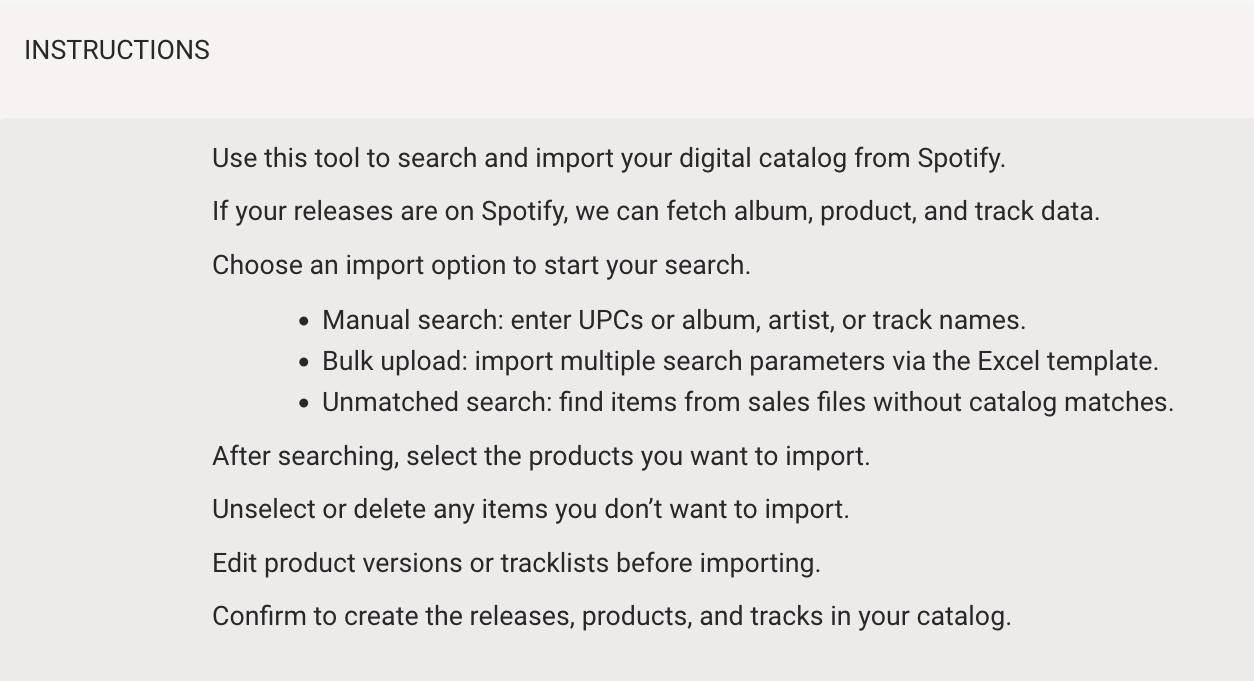
The INSTRUCTIONS tab summarizes the Spotify Import workflow.
It explains which search options are available and how to proceed after results are returned.
► Templates
The TEMPLATES tab provides the Excel file required for Bulk upload searches.
Use this template to submit multiple search parameters in one upload.