What is a Release in details?
In the music business, a Release is what people talk about when an artist “drops a new album” or “puts out a new single.” It marks the start of a commercial campaign combining music, visuals, marketing, and distribution across platforms and formats.
In details, a Release represents that full project: it s the central container for everything tied to the launch from the recordings to the metadata to the marketing context. Whether you’re managing a debut EP, a deluxe reissue, or a compilation series, this is where the project comes together.
” Products (CD, vinyl, digital editions)
” Original tracks plus Remixes (with licensing, ISRCs, metadata etc.)
” Artwork, an overall Release Date vs specific product street dates
” Optional assets like merchandise (e.g. T-shirts) or concert tickets linked to the campaign
A Release groups all project components and defines the top-level structure in details.
Hierarchy in details: Release > Product > Track
Important: A Product can only belong to one Release.
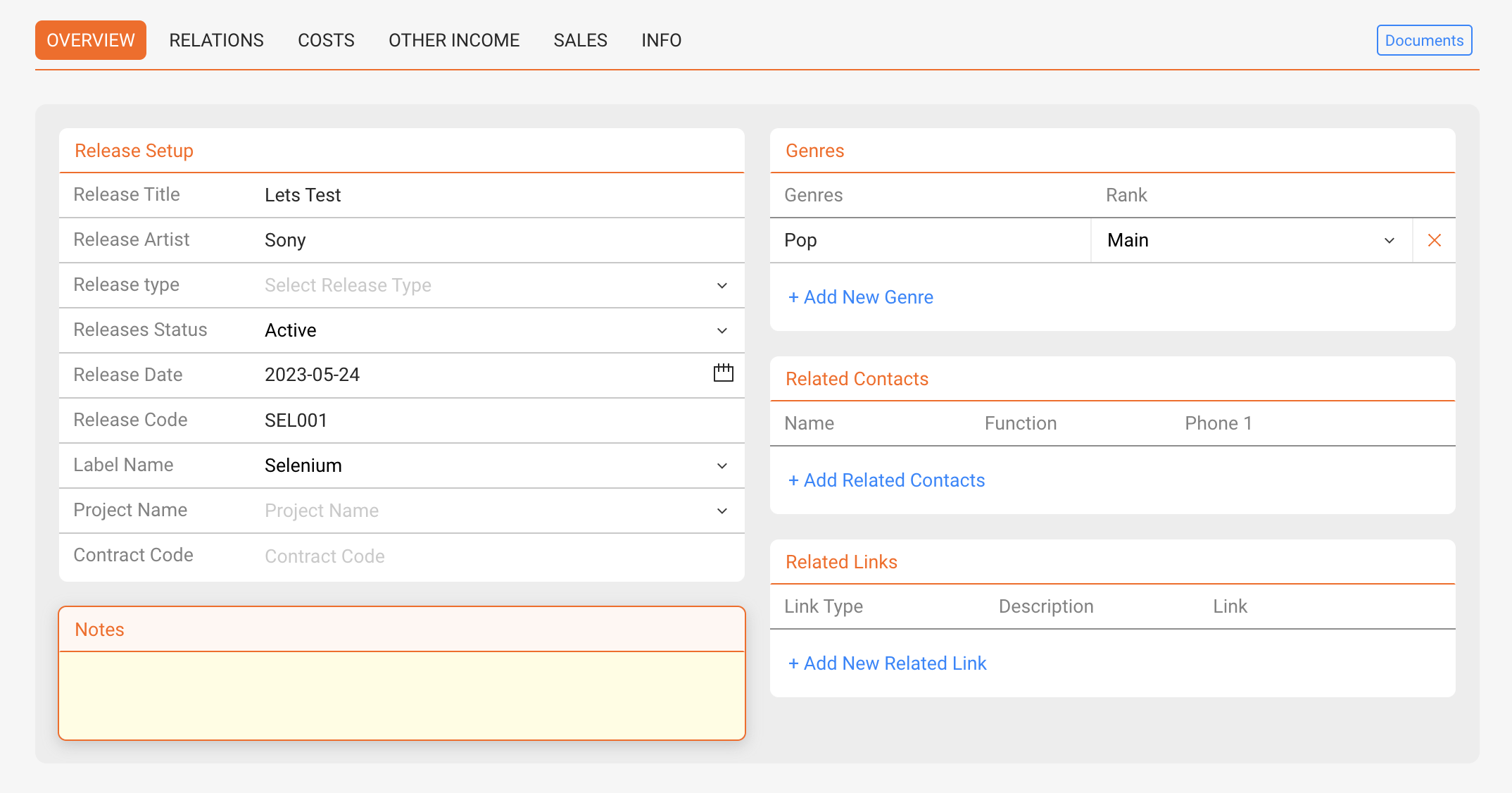
► OVERVIEW
Use this tab to edit the core setup of a Release.
- Release Title
- Release Artist(s)
- Release Type (e.g. Album, EP, Single, Compilation, Promo, Merchandise, Audiobook, Book, Movie)
- Status (custom: e.g. Active, Back Catalogue, Promo)
- Release Date (plus optional street dates per product)
- Release Code (e.g. DET010, often root of product codes)
- Label (A Release always belongs to exactly one label)
Additional options:
- Add genres using [+ Add New Genre]
- Add related contacts (e.g. artist, manager, designer) using [+ Add Related Contacts]
- Add external links (e.g. Spotify, Dropbox, Apple) via [+ Add New Related Link] with title and description
- Write notes in the [Notes] field
► RELATIONS
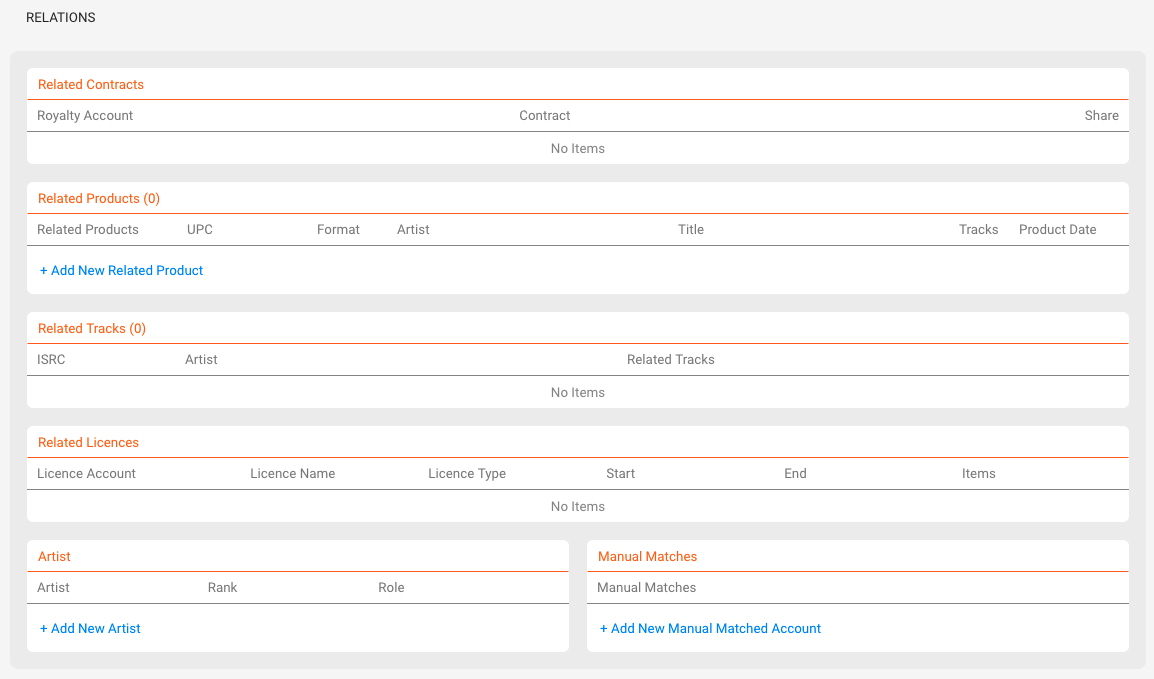
This tab shows all linked elements of a Release:
- Contracts & Royalty Accounts including shares & contracts
- Products each product belongs to only one Release
- Tracks can appear in multiple Releases (e.g. compilations)
- Licenses sync & third-party licenses are also included in reporting
- Artists connections help track collaborations
- Manual Matches store external naming (e.g. Bandcamp variant codes)
Clicking a blue-colored content opens the related entry.
► TASKS
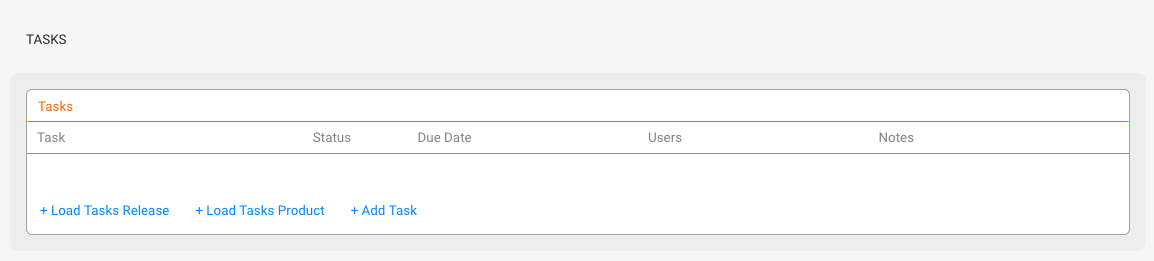
Each Release has its own TASKS tab. You can create tasks manually or load a predefined task template group.
To learn more, check out:
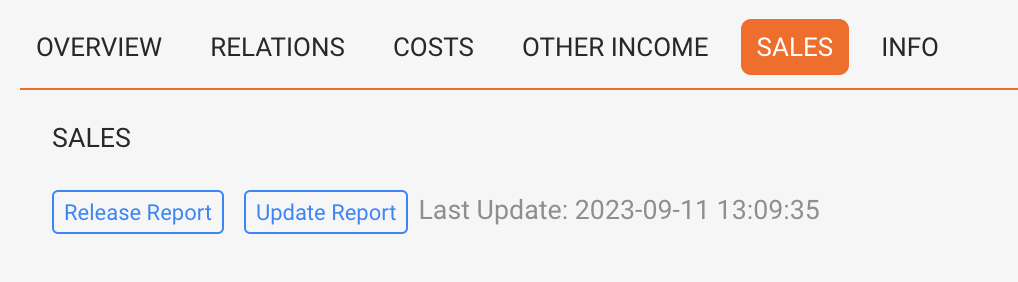
► SALES
Use this tab to analyze income and costs related to your Release.
- Release Report: Overview of all revenue streams (physical, digital, licenses, subsidies), costs, and break-even point
- Update Report: Generates charts and sales insights (e.g. per shop or channel)
► COSTS
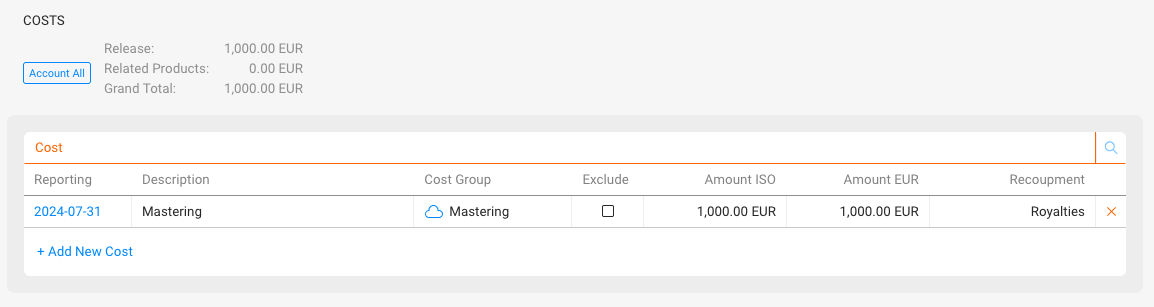
Use this tab to log and manage project costs not covered elsewhere. This may include:
- Studio rentals
- Mixing & mastering costs
- Marketing & promo campaigns
- Artwork or video production costs
These costs feed into the break-even analysis shown in the SALES tab.
You can upload proof documents using the small cloud icon next to each entry this helps keep all relevant files connected to your reporting. A blue cloud means a file is stored.
► OTHER INCOME
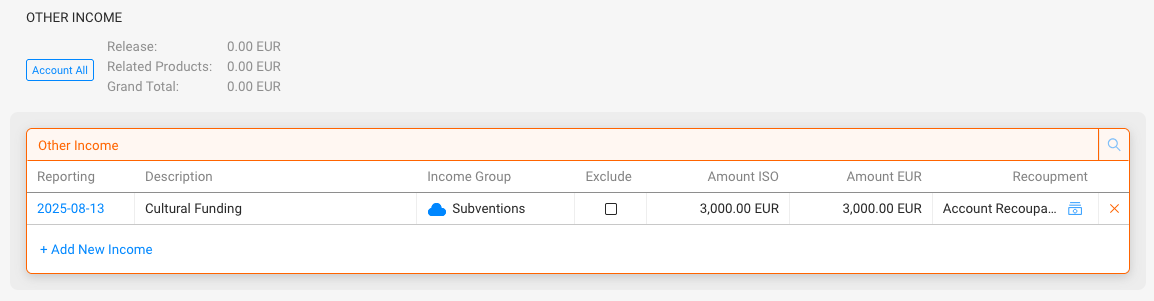
Use this tab to add alternative income streams not directly linked to sales, for example:
- Grants or public funding (e.g. Initiative Musik)
- Sponsorship income (e.g. brand collaborations)
- Merchandise or ticket bundles
Entries here can be factored into your financial reports.
You can upload proof documents using the small cloud icon next to each entry this helps keep all relevant files connected to your reporting. A blue cloud means a file is stored.
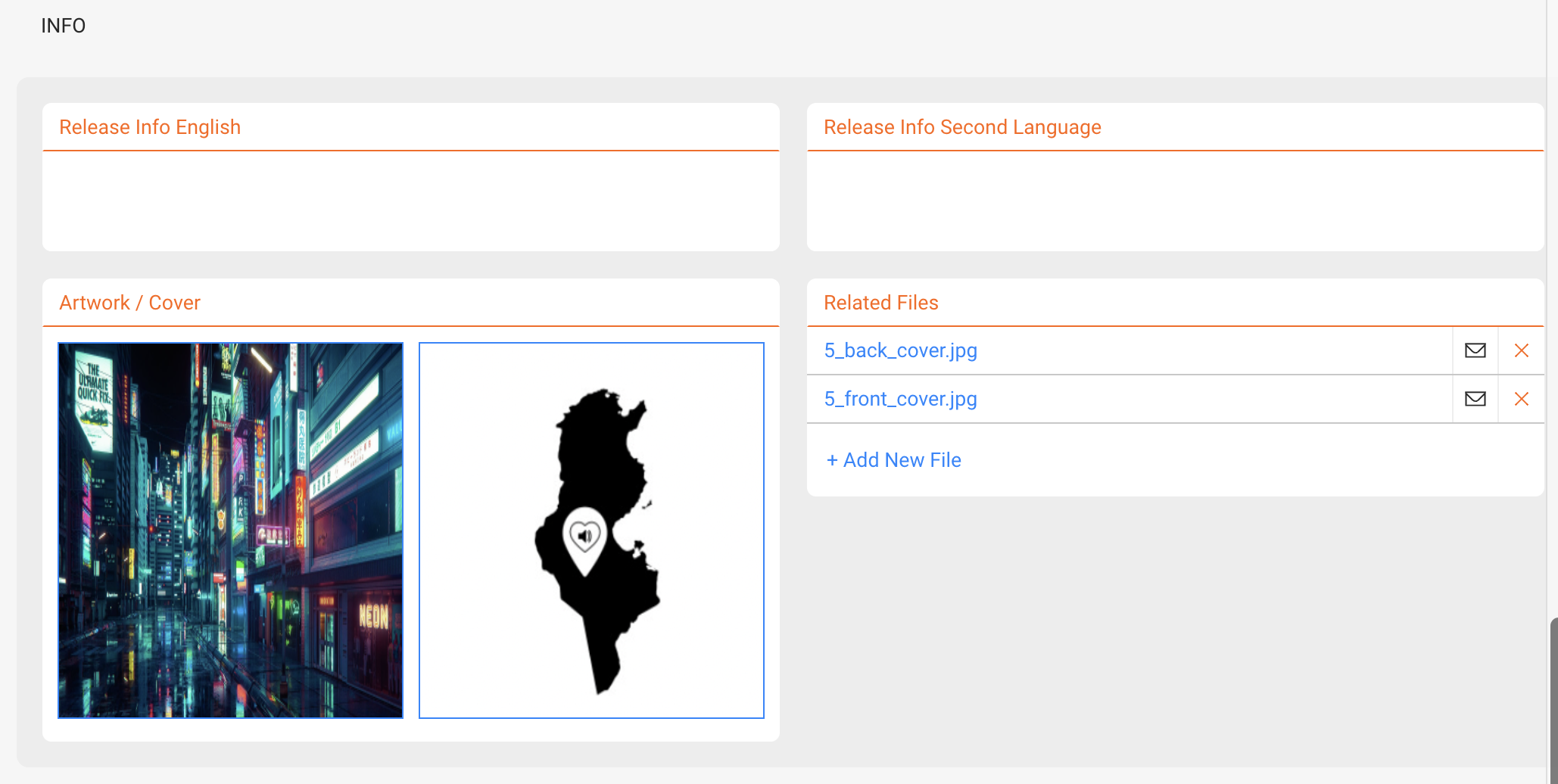
► INFO
Use this tab to manage descriptive and visual material related to the Release:
- Add info texts (in English and one other language)
- Upload artwork and cover images
- Attach files like MP3s, WAVs, contracts or infosheets via [+ Add New File]
Files can be reused for automated sheet generation.