
This article explains how to create and manage Licences in details.
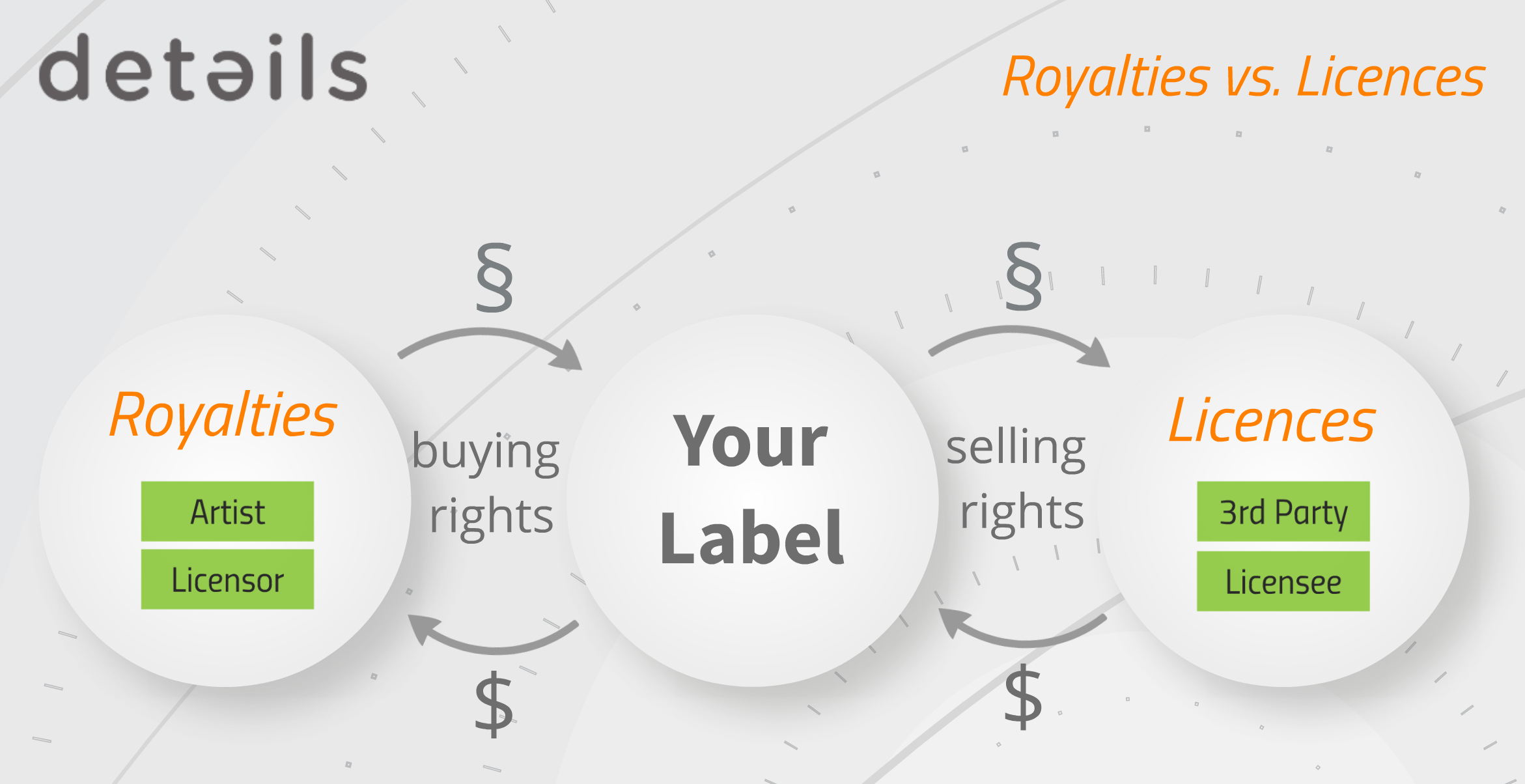
In this context, you are selling usage rights to music you control or own. The Licence Account (the licensee) receives the right to use the selected assets under defined conditions.
Licensing therefore represents the outbound side of your business: you grant rights and receive income in return.
► CREATE A NEW LICENCE
You can create a licence either:
- From LABEL / LICENSING / LICENCES using [+]
- From within a selected Licence Account under the LICENCES tab using [+]
Fill in the required fields and click [OK].
The licence workspace will open automatically.
► OVERVIEW TAB
The OVERVIEW tab contains the core agreement data:
- Licence Name
- Licence Account
- Territory
- Exclusivity
- Currency
- Start Date and Contract Term
- Accounting Period and Due Days
In the Royalty Info section, you can document:
- Advances
- Royalty rates
- Deductions
- Digital rights
- Rata information
Use Related Files to upload contracts, scans, or additional documents.
Internal notes help you document negotiations and deal history.
► TASKS TAB
The TASKS tab allows you to manage the internal workflow of the licence.
You can:
- Create tasks with [+]
- Assign responsibilities
- Set due dates
- Track completion status
Use tasks to coordinate contract signatures, asset delivery, reporting follow-ups, approvals, or other deal-related steps.
► ASSETS TAB
The ASSETS tab defines what is being licensed.
Click [+] and select the asset type:
- Track
- Product
- Release
This allows you to license:
- Single tracks (e.g. sync deals)
- Custom products
- Entire releases (e.g. territory sub-licensing)
The selected assets are automatically connected to their related Royalty Accounts.
► NEXT STEP: INCOME & INVOICING
Once a licence is set up and assets are defined, you can add income and generate invoices.
The financial workflow is explained in the article: Licence Income & Invoicing & Inclusion of PAID Licences in Royalty Accounting & Reporting.