
In details we differentiate between business partners which you licence music FROM (i.e. licensors), whom we call ROYALTY ACCOUNTS and – on the other side – partners which we licence tracks TO (i.e. licensees), that we call LICENCE ACCOUNTS.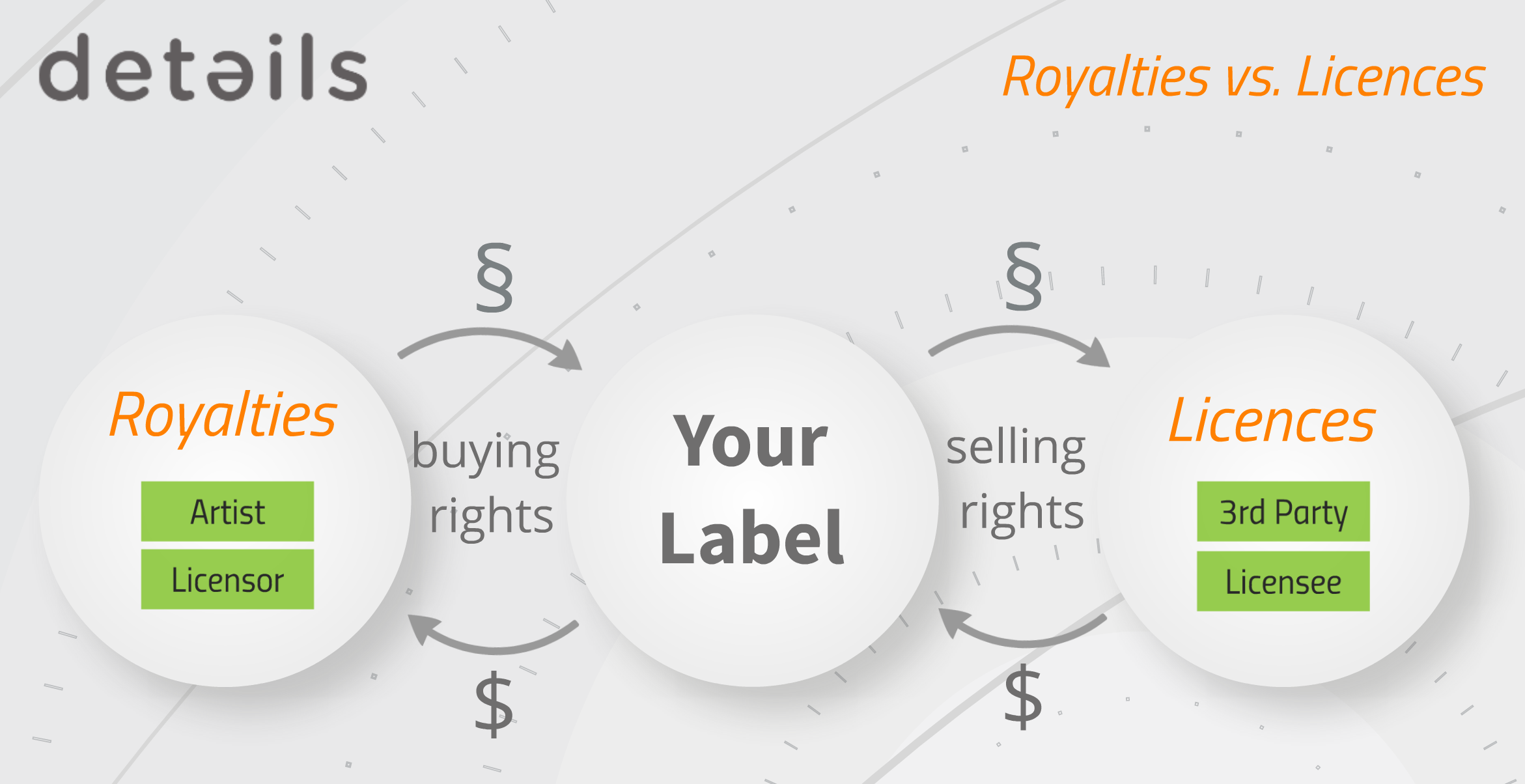
This section is about ROYALTY ACCOUNTS which you licence TRACKS FROM and to whom you owe royalty statements.
Watch a TUTORIAL video about how to create ROYALTY ACCOUNTS and CONTRACTS for artist releases here.
You can manage your ROYALTY ACCOUNTS and related contracts on LABEL / ROYALTY.
Also your ROYALTY STATEMENTS are created from here.
”Shortcuts”
HOW TO ADD A NEW ROYALTY ACCOUNT
HOW TO SET UP A NEW CONTRACT – ARTIST RELEASE
HOW TO SET UP A NEW CONTRACT – COMPILATION
HOW TO ACCOUNT RECOUPABLES
HOW TO CREATE ROYALTY STATEMENTS
HOW TO ADD NEW CATALOGUE ITEMS TO ROYALTY CONTRACTS AUTOMATICALLY / RUN AUTOFETCH ALL CONTRACTS
###
The subtabs for ROYALTY are All Royalty Accounts, All Royalty Statements and Recoupables.
* All Royalty Accounts:
All your ROYALTY ACCOUNTS are listed here.
You can ADD NEW ROYALTY ACCOUNTS, edit existing accounts and CREATE NEW ROYALTY CONTRACTS.
* All Royalty Statements:
All past ROYALTY STATEMENTS you have created with details are archived here.
You can search, filter and export statements from here as well as send to your accounts separately or in a batch.
The BATCH STATEMENTS option is available here which allows you to create multiple statements in one go. This can be activated on LABEL /PLUGINS.
* Recoupables:
Recoupables are costs which are paid against royalties.
On RECOUPABLES you are able to compile your allover RECOUPABLE COSTS with multiple filter options such as date, periods, royalty accounts, recoupable types etc.
You can export these to an excel file and/or account multiple recoupables in one go.
This option is very helpful especially for clients handling large catalogs. 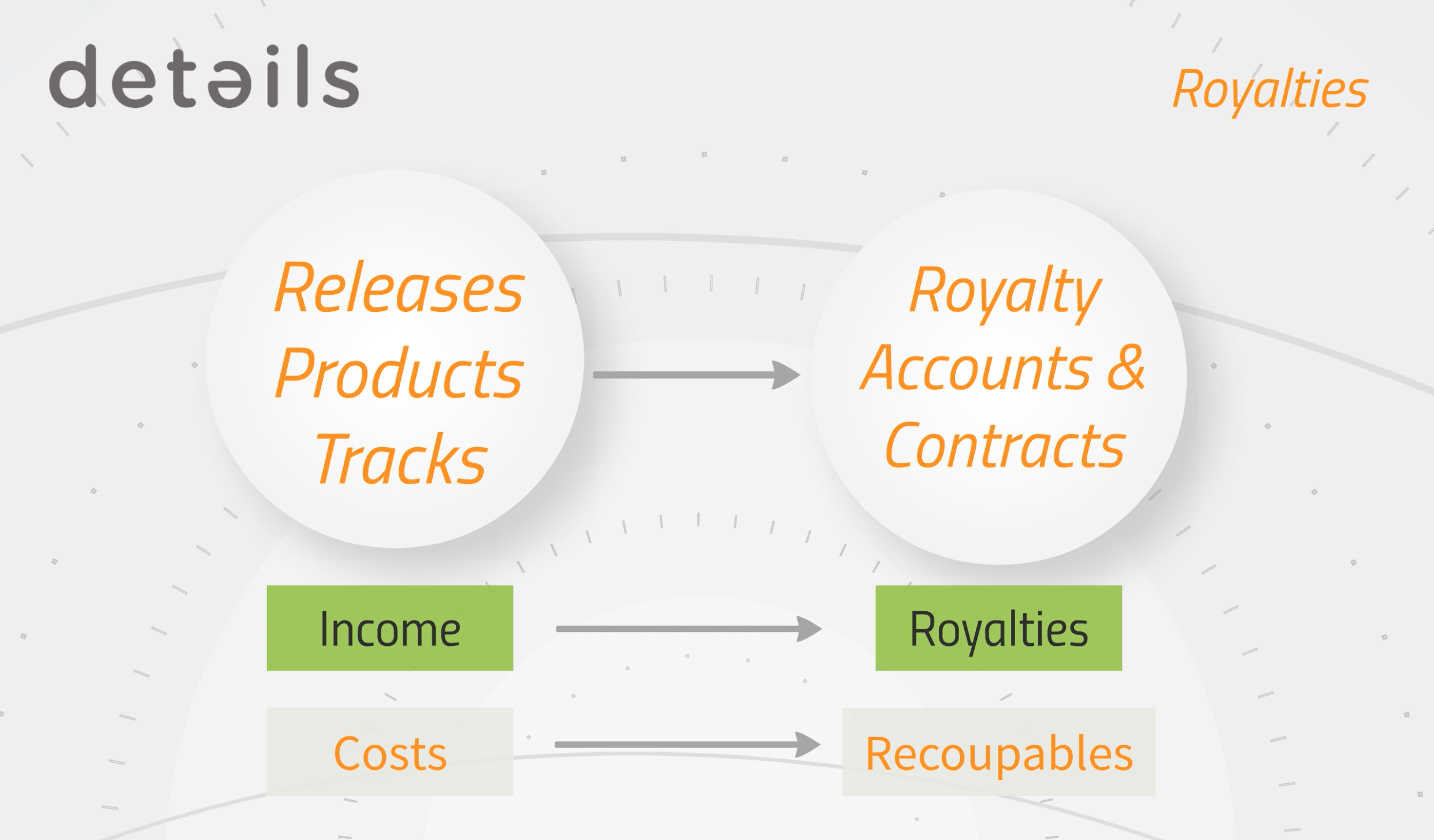
Label – Royalty
Recently Viewed
Your recent pages