
Table of contents
In CATALOG / LABEL, you manage label entities in details. This page shows a list of all labels and allows access to each label’s tabs.
1. Labels List
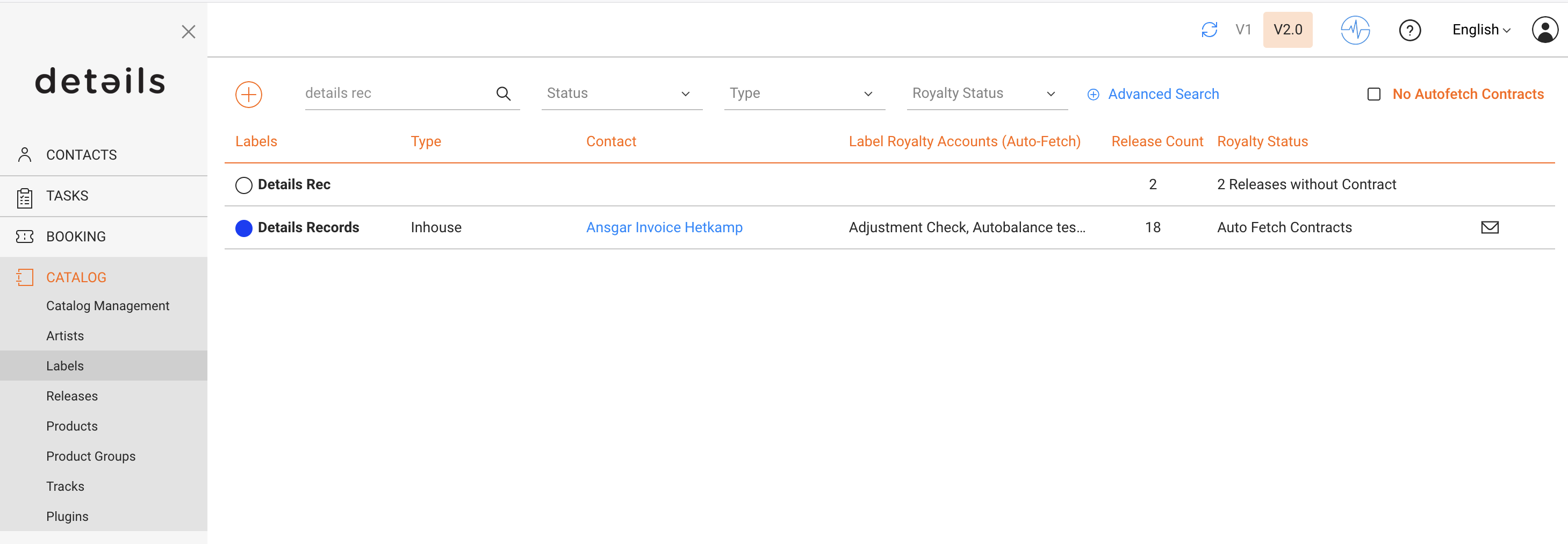
In the List of Labels you see
- Type – predefined type (In-House, Distributed, External)
- Contact – primary linked contact
- Label Royalty Account – account for royalty processing
- Release Count – number of releases
- Royalty Status – releases not linked to contracts or auto-fetch
2. Label Page
OVERVIEW
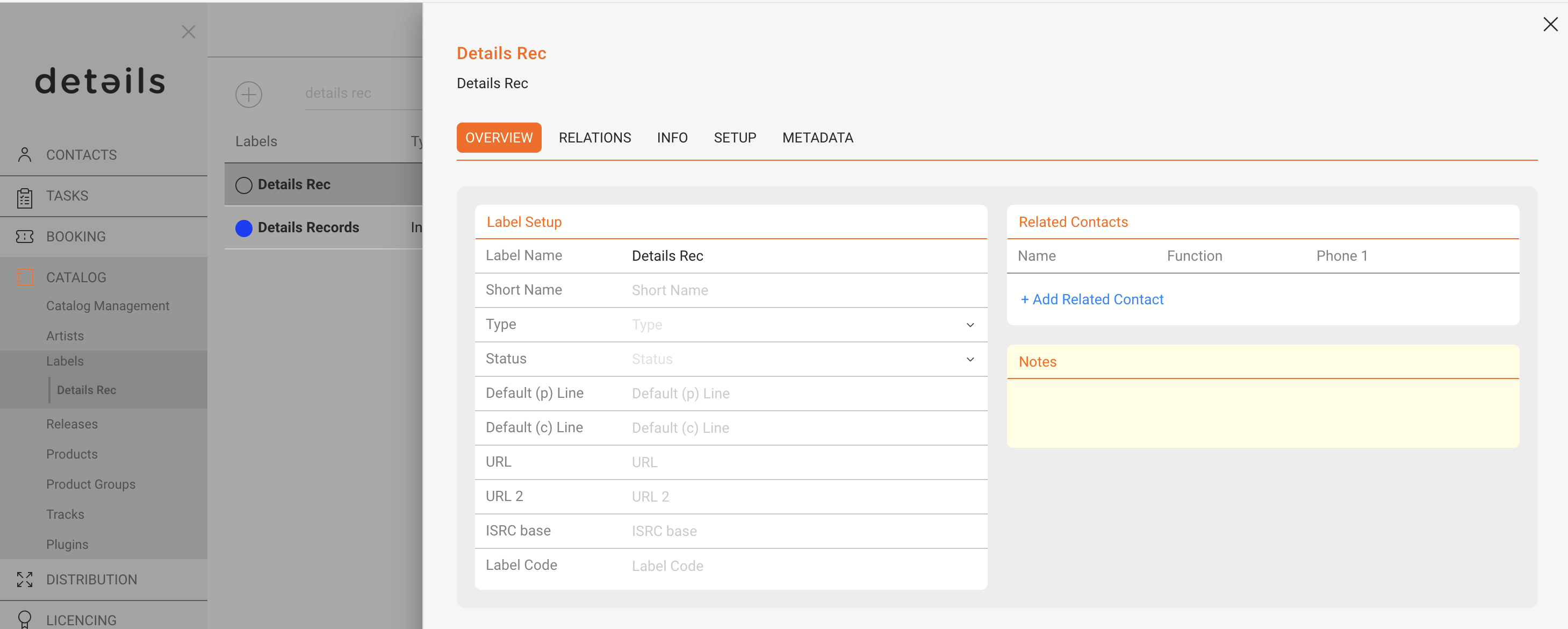
- Type – In-House, Distributed, External
- Status – customizable tags
- Default P-Line / C-Line – legal lines
- URLs – external links
- ISRC Base – track code root
- Label Code – legacy distribution code
- Related Contacts – linked roles
- Notes – internal notes
INFO
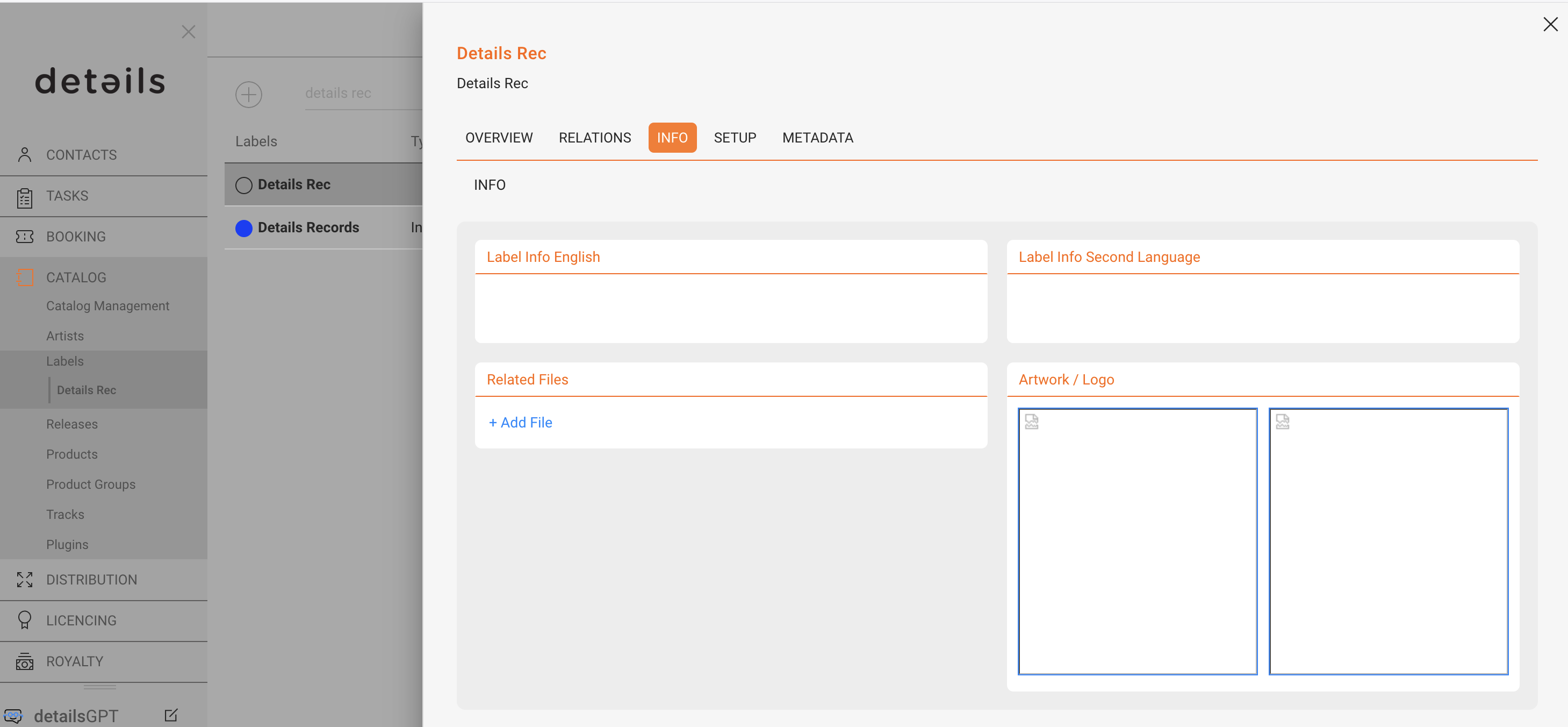
- Logo – upload/select logo
- Biographies – multilingual bios
RELATIONS
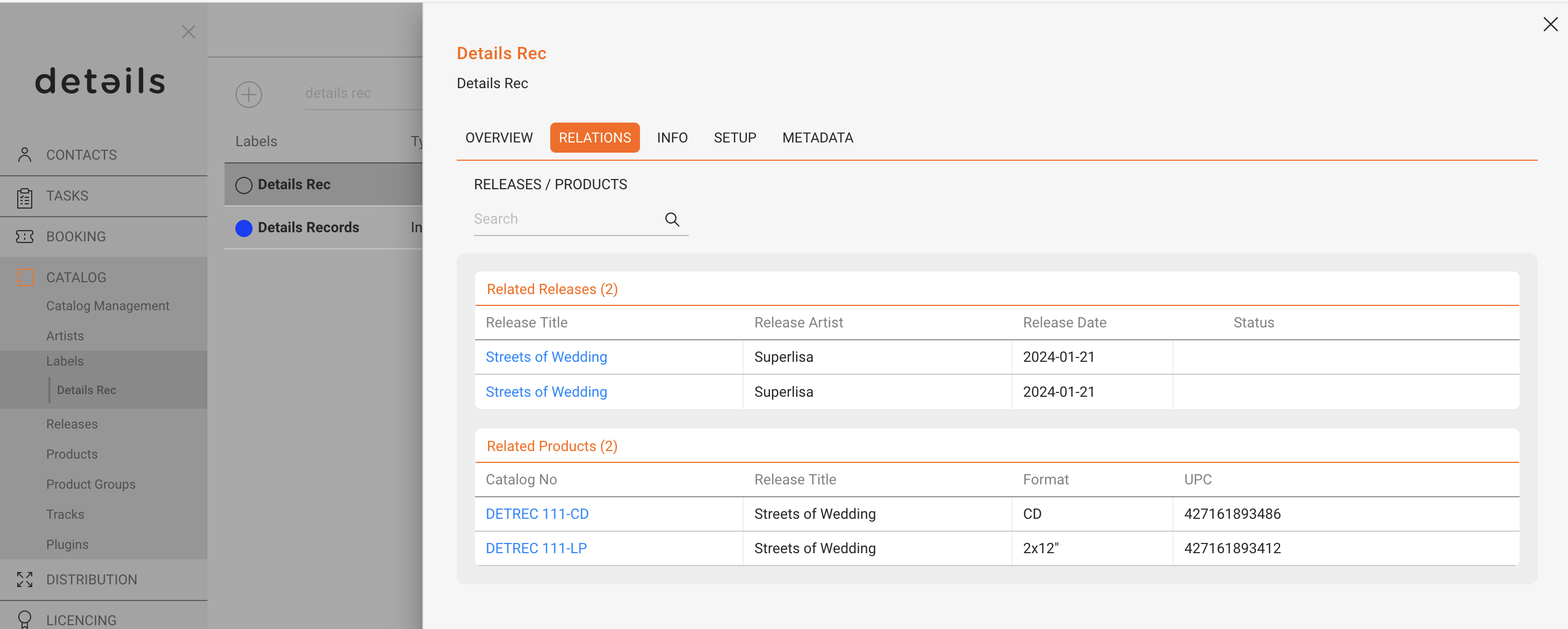
Shows all releases and products linked to the label.
SETUP
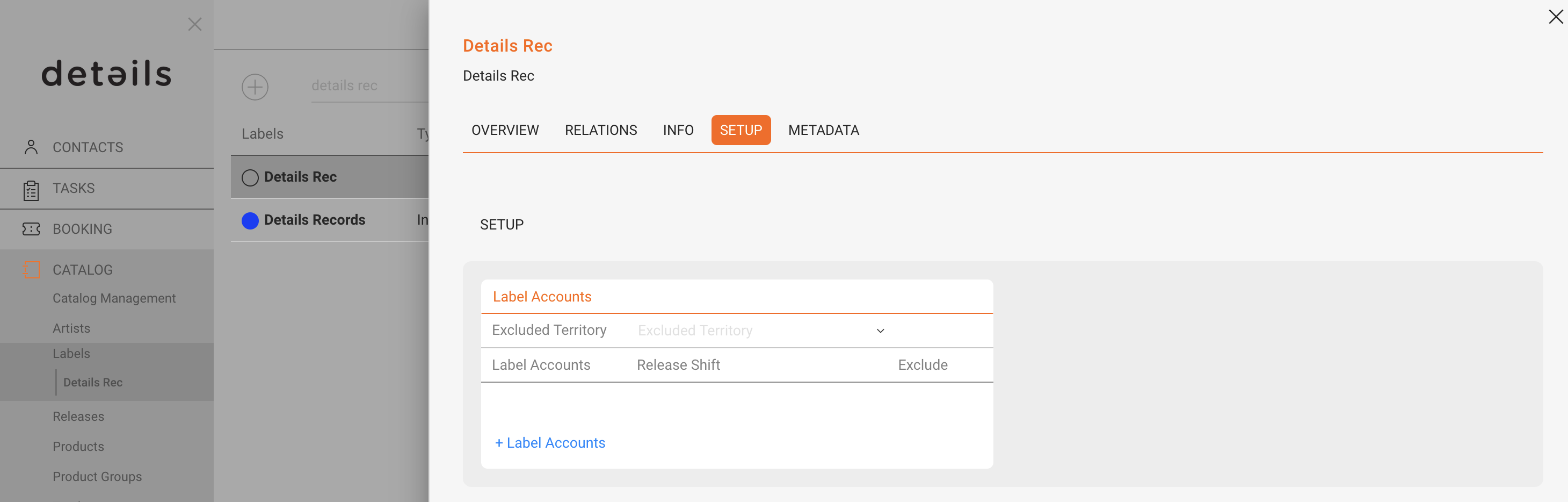
- Distribution Restrictions – exclude territories
- Release Shifts per Account – adjust availability timing
METADATA
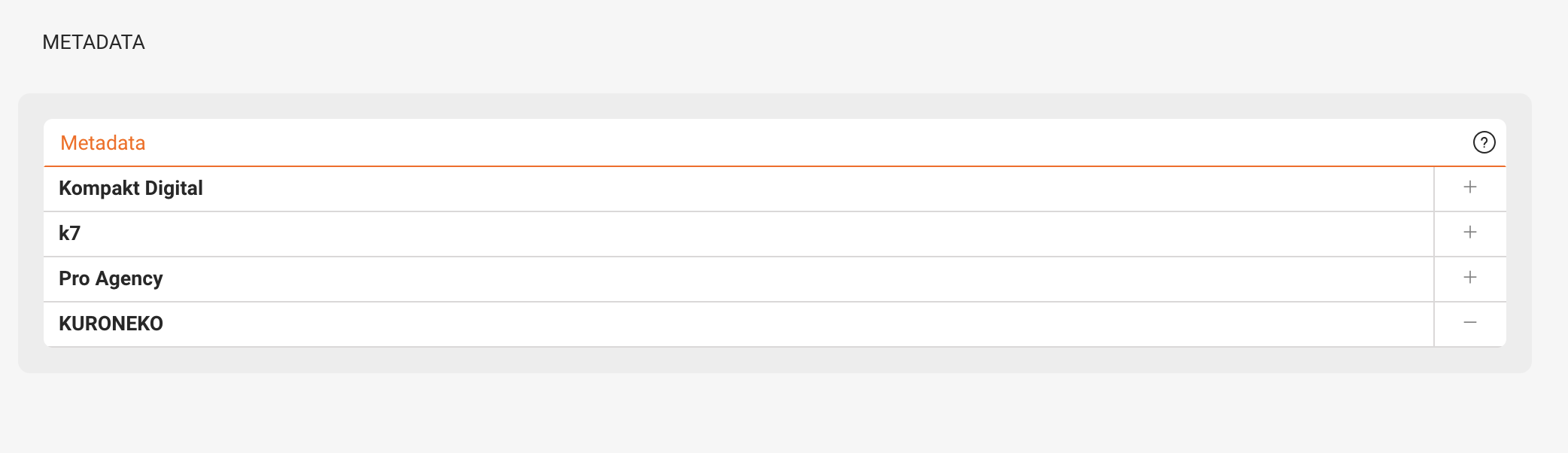
Attach predefined metadata sets required for integrations and deliveries.