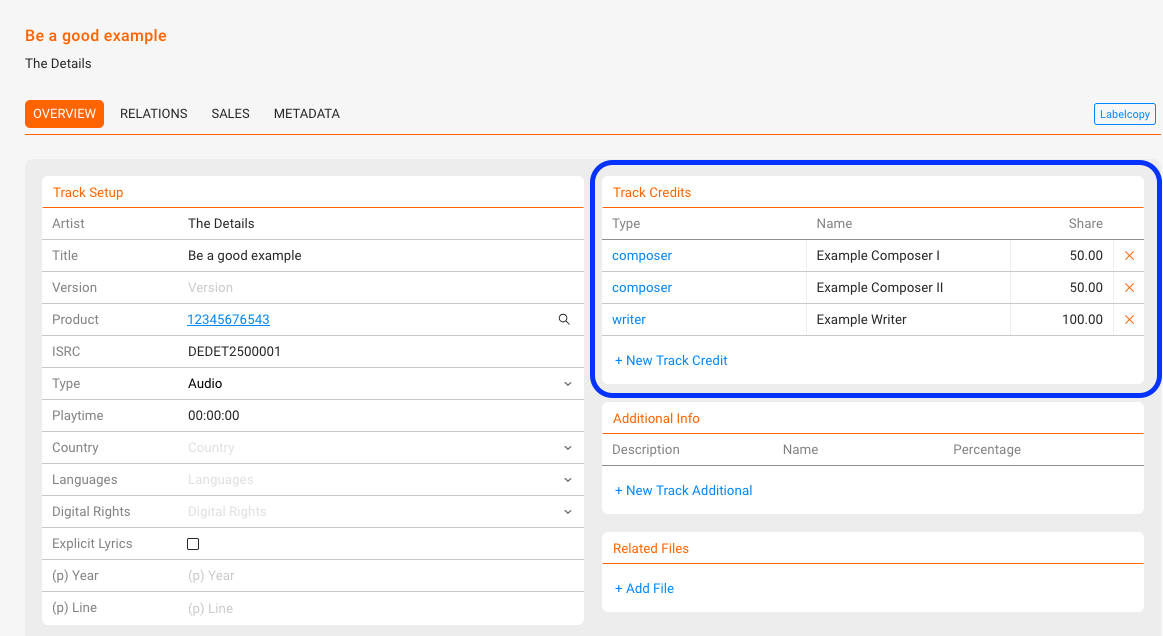
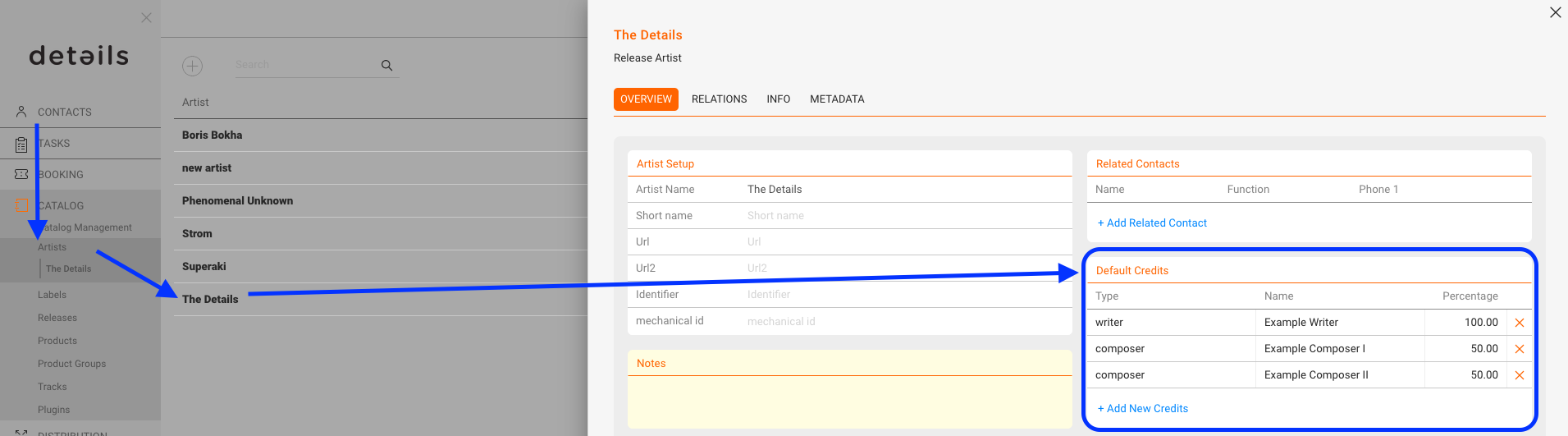
Sometimes it can save you time to store standard credits directly on an artist. In CATALOG / ARTISTS, you can define Default Artist Credits such as composers, writers, or publishers. Whenever you create new tracks for this artist, these credits will be inherited automatically and appear in the track creation modal.
Important: Default credits are only applied if the relation chain is set up before you create tracks.
ARTIST ► RELEASE ► PRODUCT ► TRACK
ARTIST ► RELEASE ► PRODUCT ► TRACK
Quick setup
- Create or choose the artist and insert default credits.
- Create the release, if not already done.
- On the artist page, click [+ ADD NEW RELEASE] and thereby link the release to the artist.
- On the release, create a product (this product is now linked to the artist via the release). Already existing products are linked as well.
- On the product, add new tracks via [ADD NEW TRACKS] the default credits will be prefilled.
Default credits apply to newly created tracks only. Existing tracks are not updated.