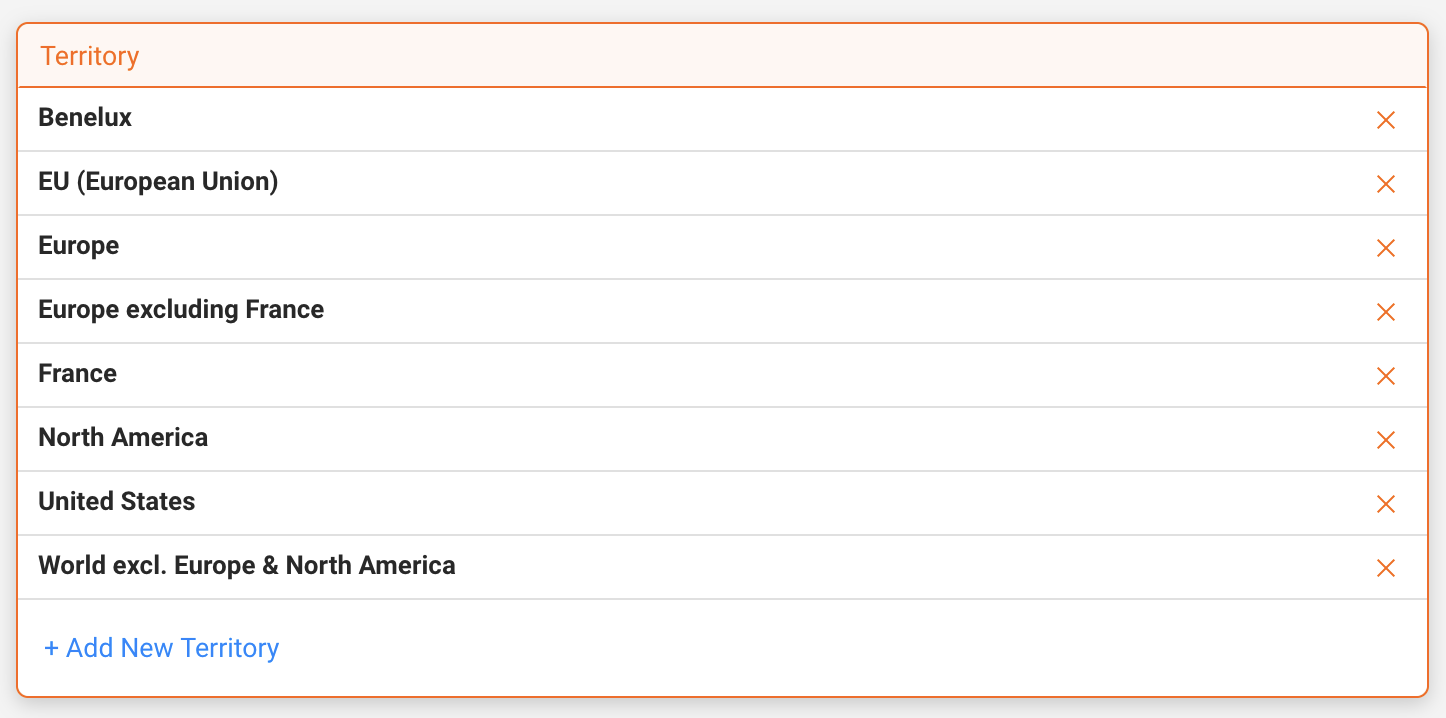
Territories are used in details to group countries and apply them consistently across LABEL, DISTRIBUTION, and ROYALTY workflows.
Typical use cases include royalty calculation rules, contract conditions, distribution permissions, and territory-based reporting.
Important: Territories in details are fully custom. You only need to create territories where different rules or conditions apply.
► WHERE TERRITORIES ARE MANAGED
Territory groups are managed in SETTINGS / GENERAL / TERRITORIES.
All territories created here are available throughout the application wherever territory conditions can be applied.
► CREATE A NEW TERRITORY
- Go to SETTINGS / GENERAL / TERRITORIES.
- Click [+].
- Select one or multiple countries from the list.
- Optionally use predefined continent groups to speed up selection.
- Enter a clear and descriptive territory name.
- Click [OK] to save.
► EDIT OR DELETE A TERRITORY
Edit
- Click on the territory name.
- Add or remove countries as needed.
- Click [OK] to confirm your changes.
Delete
- Locate the territory in the list.
- Click [x] on the right.
Note: When working with EU-based territories, remember that the UK must be handled separately due to Brexit.
► IMPORTANT: REST OF THE WORLD IN ROYALTY CALCULATIONS
A common misunderstanding is the idea that a separate Rest of the World territory must be created for royalty calculations. In most cases, this is not required.
In details, royalty calculations follow a priority logic: specific territory rules are applied first. Any sales not matching one of these territories are automatically handled by the default rule, called General Royalty.
Example: Multiple territory-specific royalty rules
- One or more core countries or regions
- Additional regional groupings as required by your contracts
In this setup, you only need to create territories for the countries or regions that require specific royalty conditions.
No additional Rest of the World territory is needed. All remaining countries will automatically be calculated using the General Royalty rule.
Note: In practice, many details users work primarily with European territories (for example GSA, France, or broader European regions). The same logic applies globally: define only the territories that need explicit rules, and let General Royalty handle everything else.