Note: This issue only appears in the legacy Version 1 interface. If you are using Version 2, you are not affected. We strongly recommend switching to V2, as it is actively maintained and receives all updates and improvements.
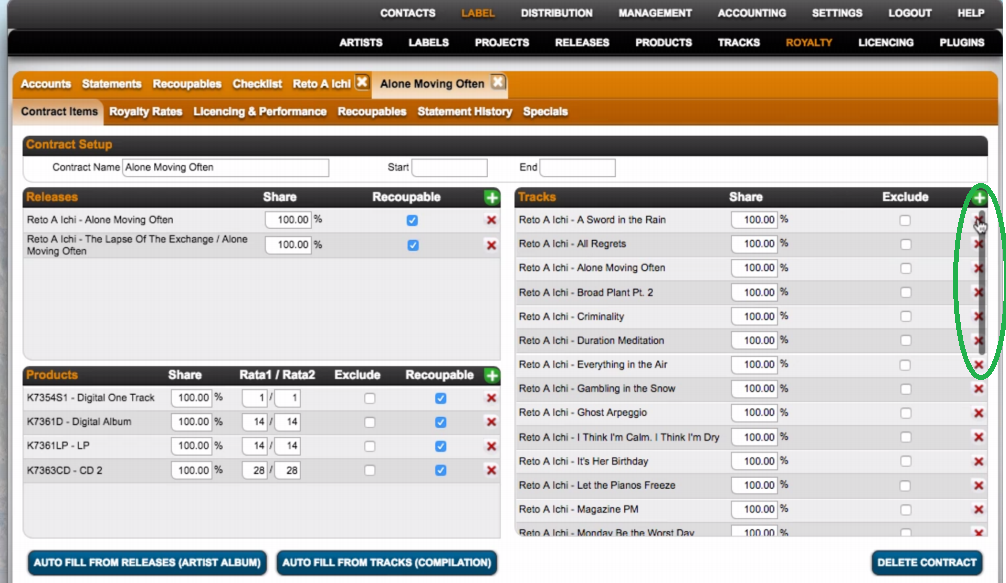
On some systems, regular browser updates – especially in Firefox – can lead to display issues in details. One known issue is that the scrollbar may cover interface elements, for example in the LIST view.
This is not a bug in details, but rather a system setting on your device.
Example:
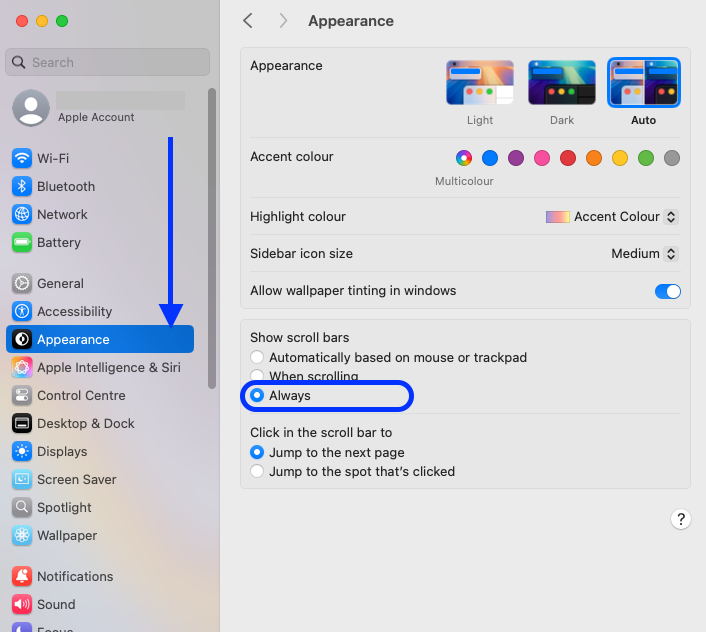
To resolve the issue, adjust the scrollbar settings on your Mac:
Open the system preferences and go to the APPEARANCE section. Set Show scroll bars to Always. After changing the setting, restart your computer.