Details allows you to upload cost proofs toRELEASES – Costs and PRODUCTS – Costs.
Those proofs may be for internal documentation only or may be made available in the Royalty Statements.
To do this, proceed with the following simple steps: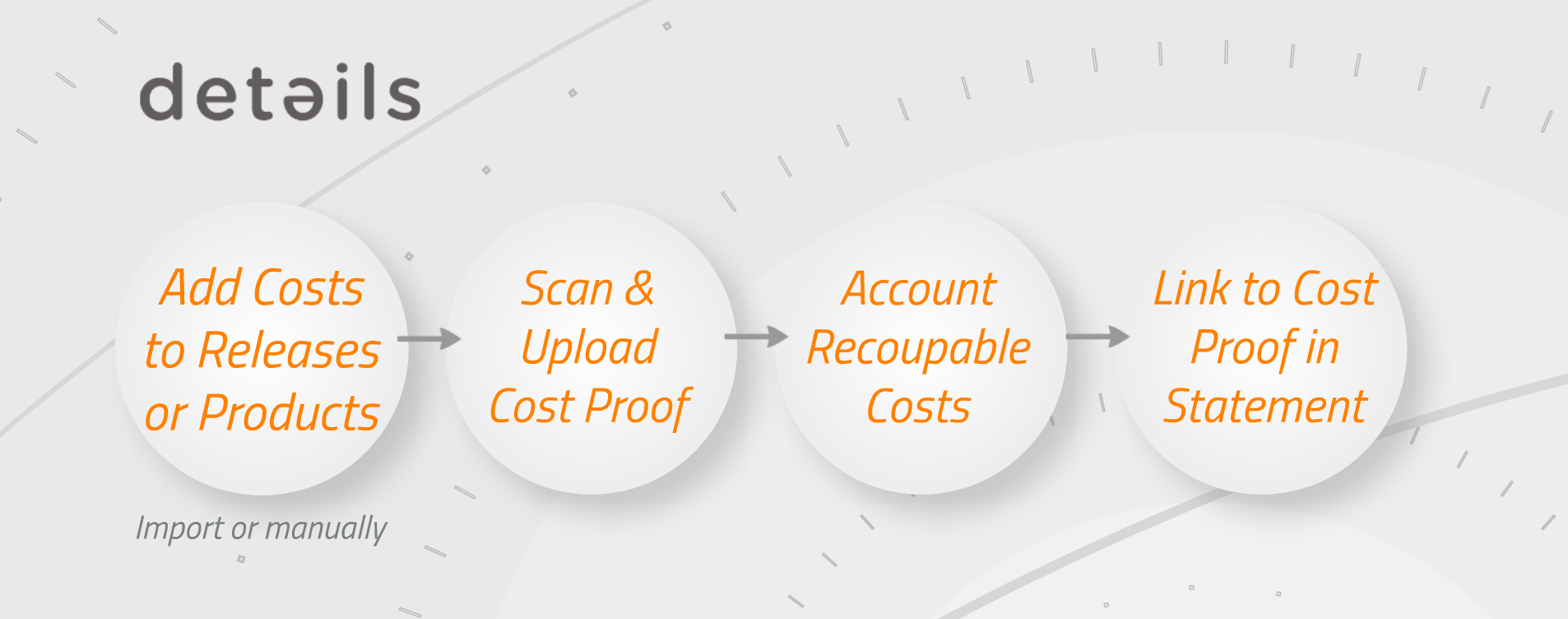
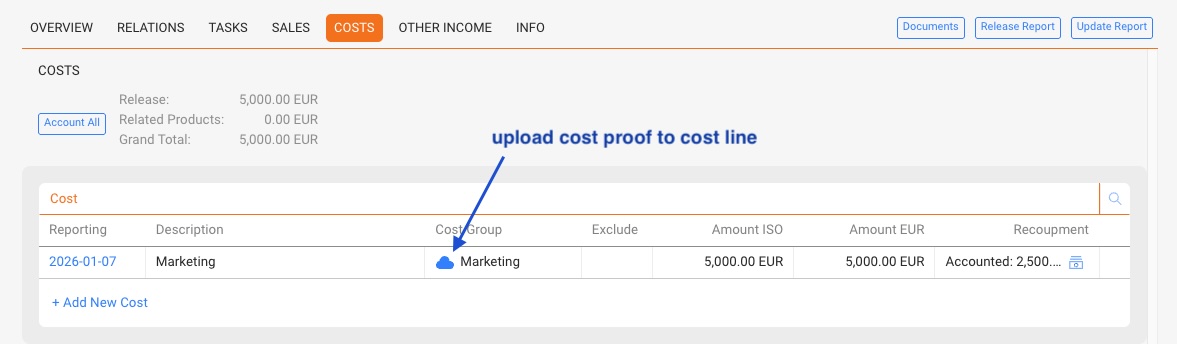
On each COSTS tab you will find a cloud icon. By clicking the cloud you can upload any document or scan.
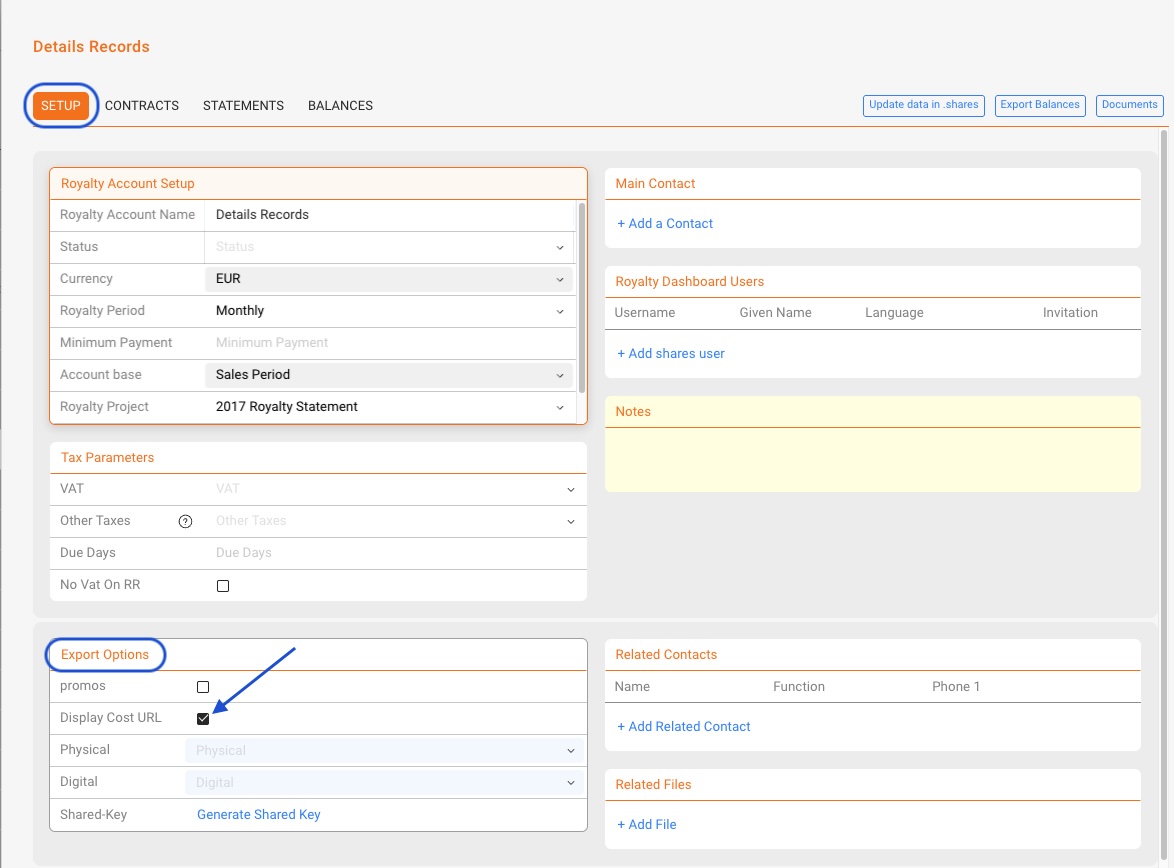
If you wish to share the uploaded cost proofs with your royalty partners, go to the selected Royalty Account / Setup tab and activate the “display cost URL” checkbox as on the screen below.