
Your detYils account comes with a standard set of currencies and exchange rates.
Perhaps Booking clients may need very few currencies only, while other Label clients will need to manage a currency for each country they receive digital sales from etc.
You are able to add currencies and update exchange rates on Settings / General.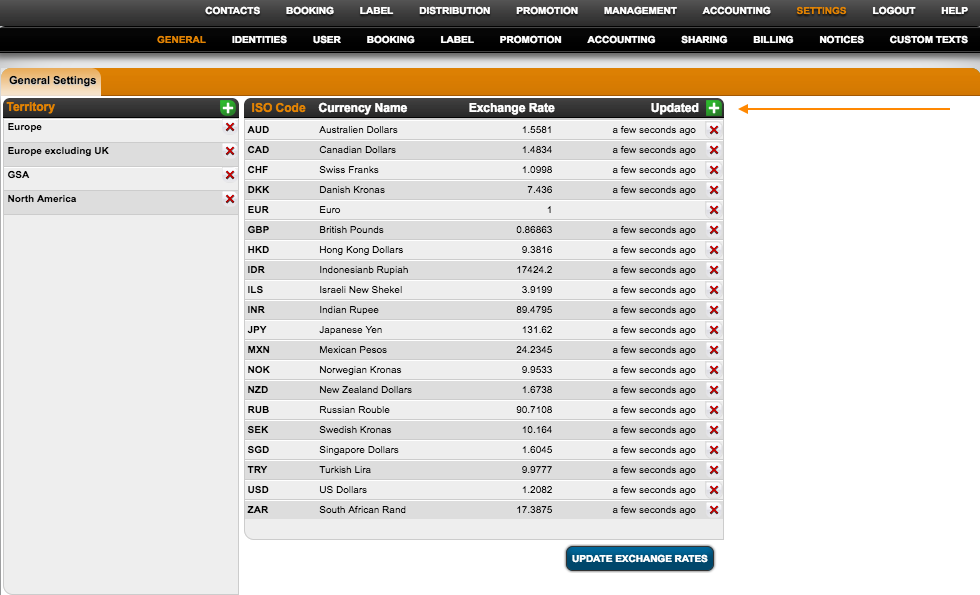
To update single exchange rates, click on the currency name and enter the current exchange rate. To update all your currencies, just hit the Update Exchange Rates Button.
If you want to update exchange rates on a regular basis, activate the Plugin Automatically update currencies on Accounting / Plugins. Exchange rates will be updated every Sunday.
NOTE: Please click once to activate the plugin and a second time to start it. Please check back regularly if currencies were updated.