
Table of contents
This article gives you an overview of the CONTACTS module in details. It introduces the general layout and interface for managing contacts.
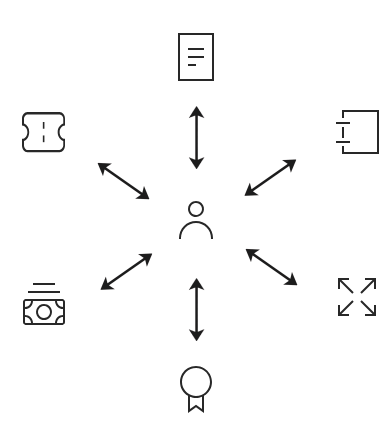
All modules in details including BOOKING, CATALOG, DISTRIBUTION, LICENCING, ROYALTY, and ACCOUNTING use a shared contact database.
Each contact acts as a reusable business card with address and communication data.
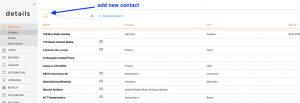
In the top menu go to CONTACTS / CONTACTS to access the full contact list:
- Company Contacts
- Individual Contacts
Use the [+] button to add a new contact.
OVERVIEW
Add and edit address details, and assign contact groups.
ADDITIONAL INFO
Attach files, notes, and export contact data as vCard.
ACCOUNTING INFO
Enter bank details and payment terms for automated workflows.