
EDIT ARTIST
Click the artist s bold name to open the full artist interface and update any tab.
DELETE ARTIST
Click the [x] next to the artist s name in the list to remove the entry.
LINK CONTACTS (MANAGERS & MORE)
Open the artist, then link relevant contacts (e.g., managers) so your team can quickly find key people when working on releases or tasks.
ADD RELEASE
To create a discography view for better navigation you can link existing releases to the artists by clicking [+ Add New Release].
This section covers the basic actions you can perform in the CATALOG / ARTISTS list view in details.
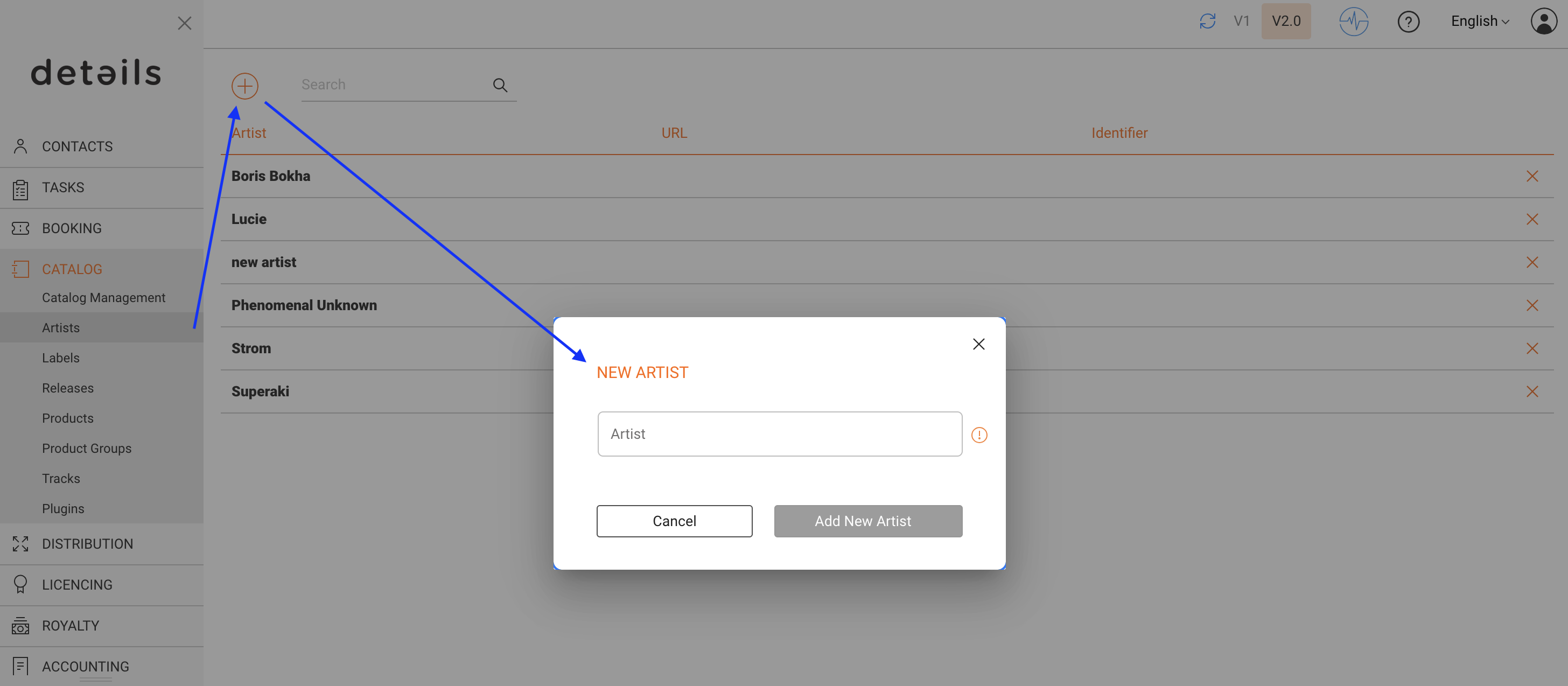
ADD NEW ARTIST
Click the [+] at the top left of the artist list and enter the required information.
EDIT ARTIST
Click the artist s bold name to open the full artist interface and update any tab.
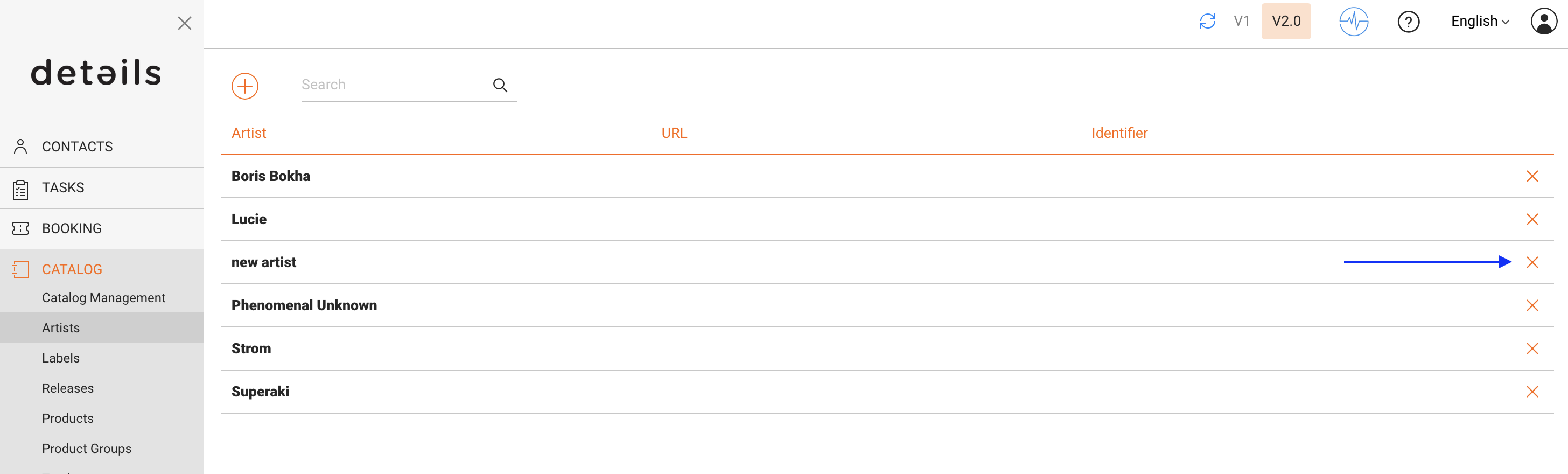
DELETE ARTIST
Click the [x] next to the artist s name in the list to remove the entry.
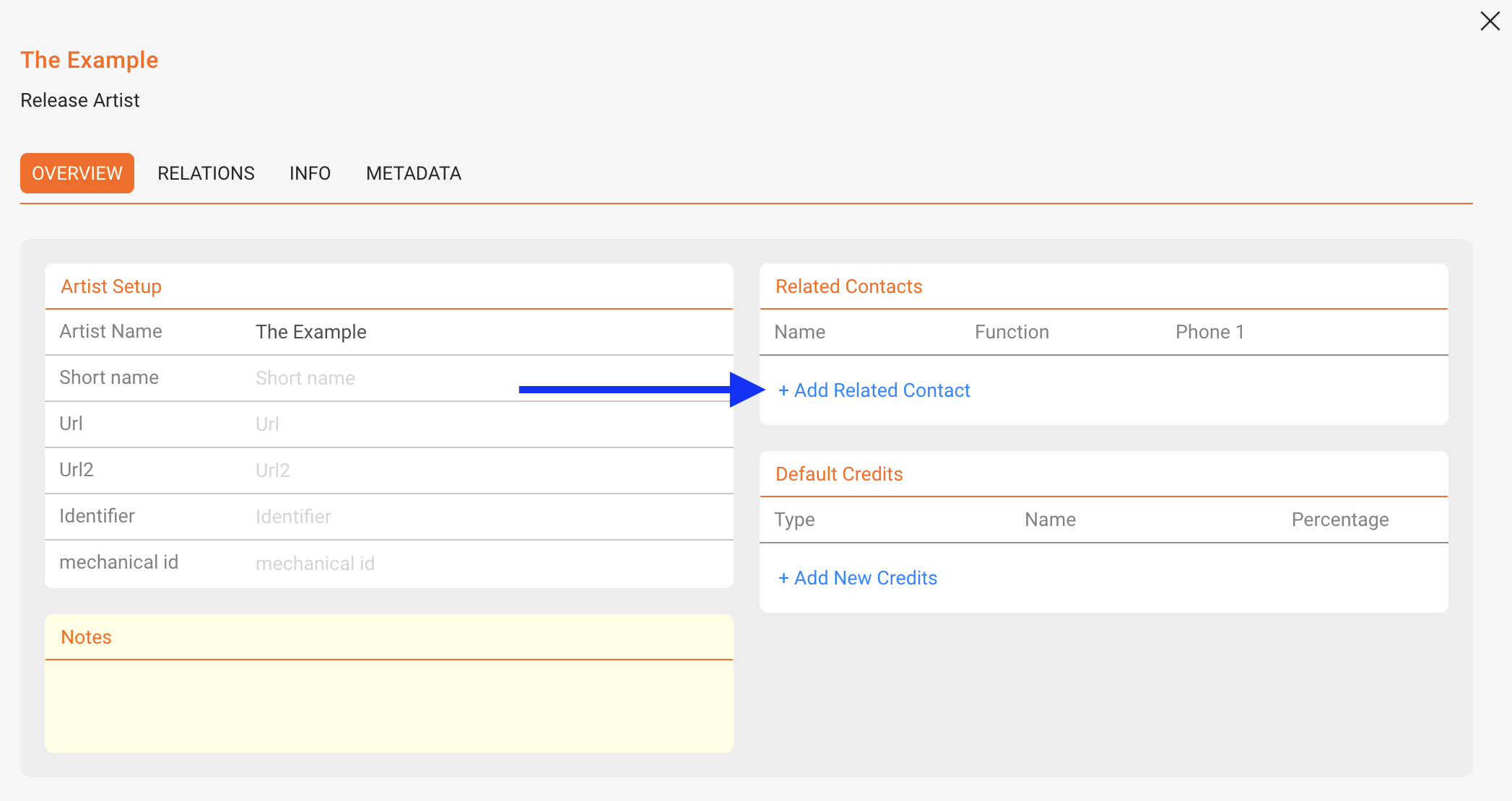
LINK CONTACTS (MANAGERS & MORE)
Open the artist, then link relevant contacts (e.g., managers) so your team can quickly find key people when working on releases or tasks.
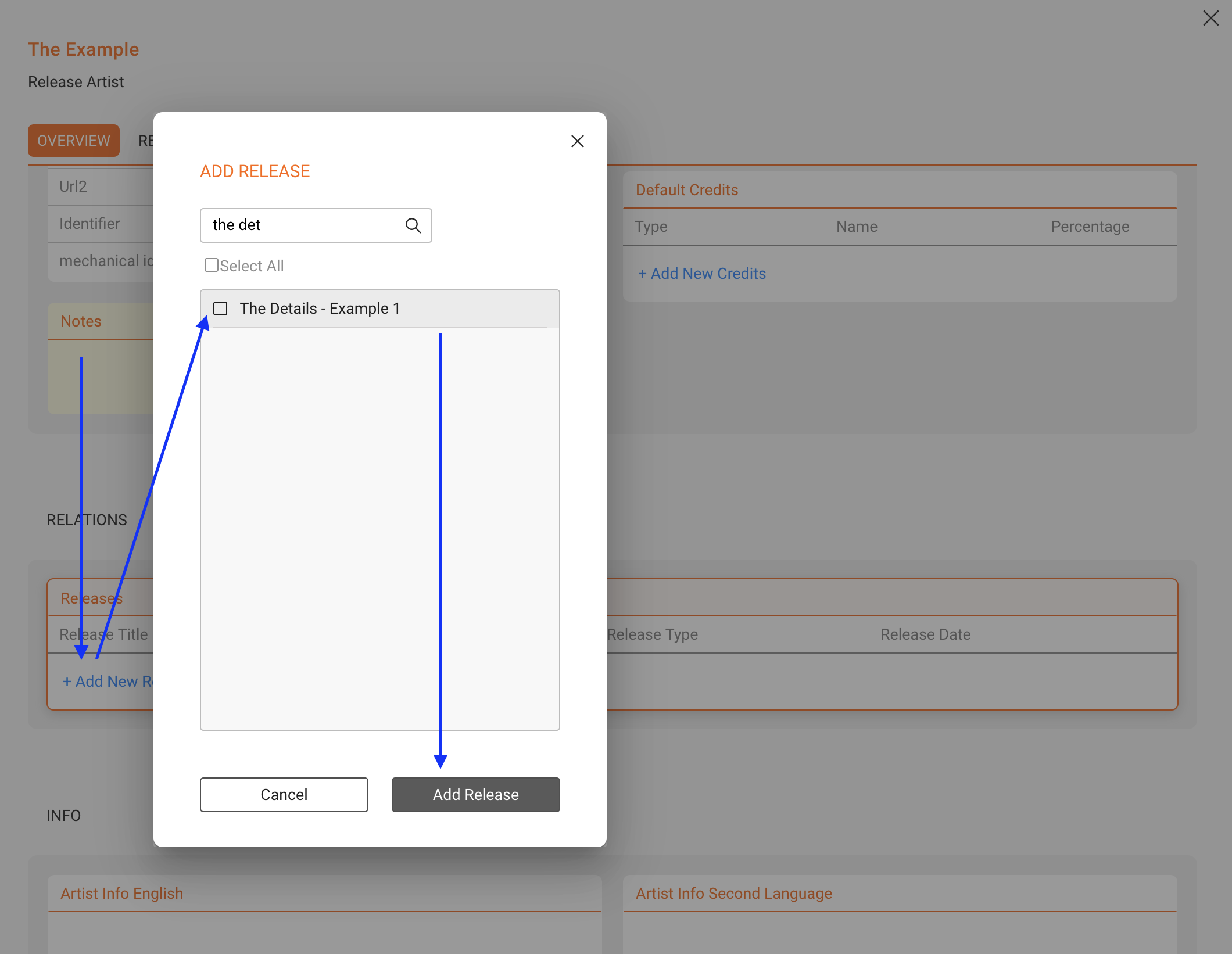
ADD RELEASE
To create a discography view for better navigation you can link existing releases to the artists by clicking [+ Add New Release].