
In the CATALOG / ARTISTS section, you manage the artist roster of your catalog in details. This view focuses on your own label artists (you don t need to add external compilation-only contributors).
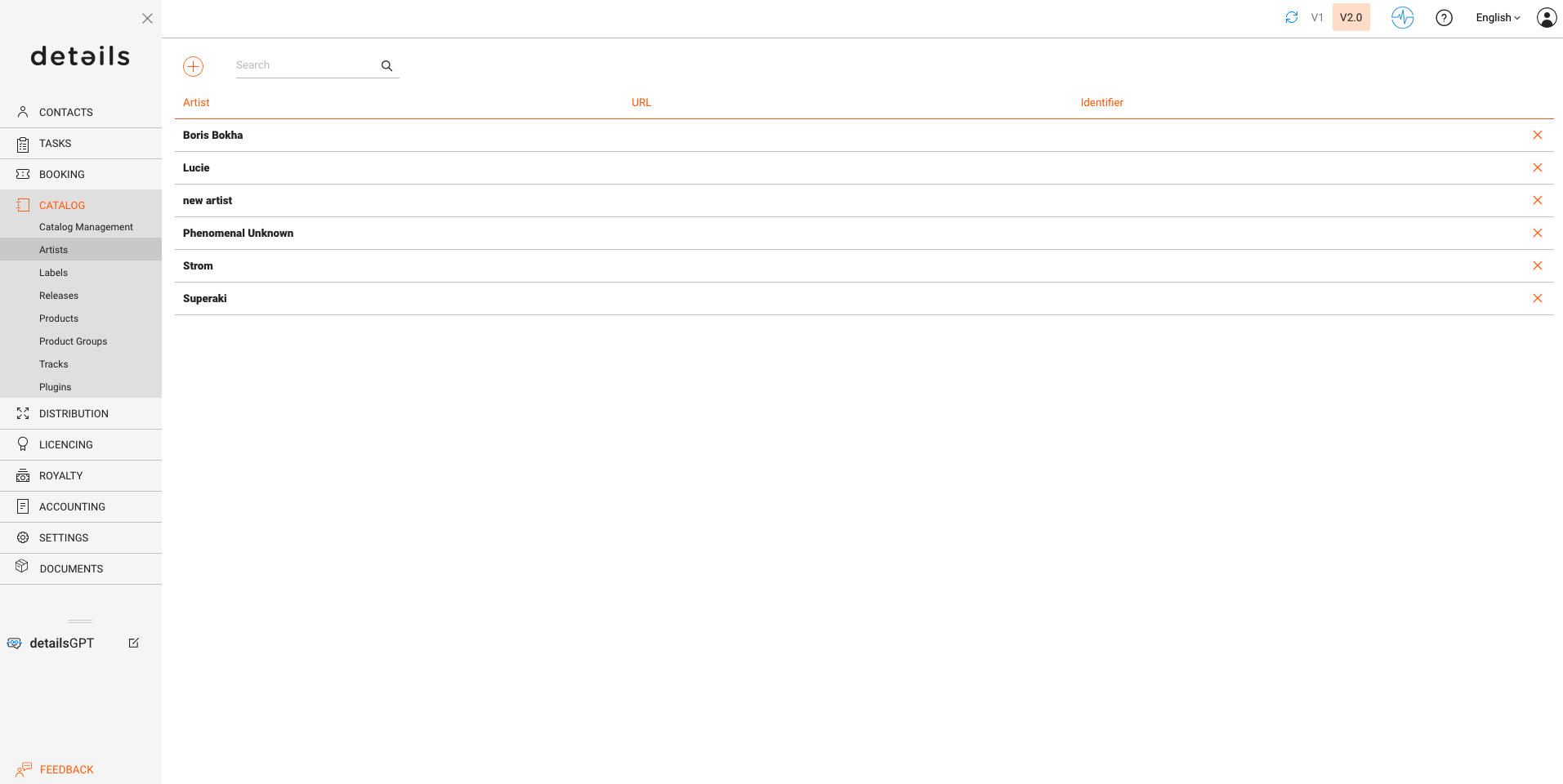
OVERVIEW
Edit core artist data and manage helpful defaults and context for downstream work.
- Artist Setup: Set Name and Short Name. Add Web URLs as needed.
You have also the option to add an Identifier, e.g. the AMG ID.
The Mechanical ID field allows you to store a registration ID. - Related Contacts: Link people like managers or other points of contact for quick reference and navigation.
- Default Credits: Define typical roles (e.g., Composer, Writer, Publisher) you want to suggest when you later create tracks/releases for this artist.
- Notes: Keep internal notes such as band members, live musicians, or role details you want your team to see.
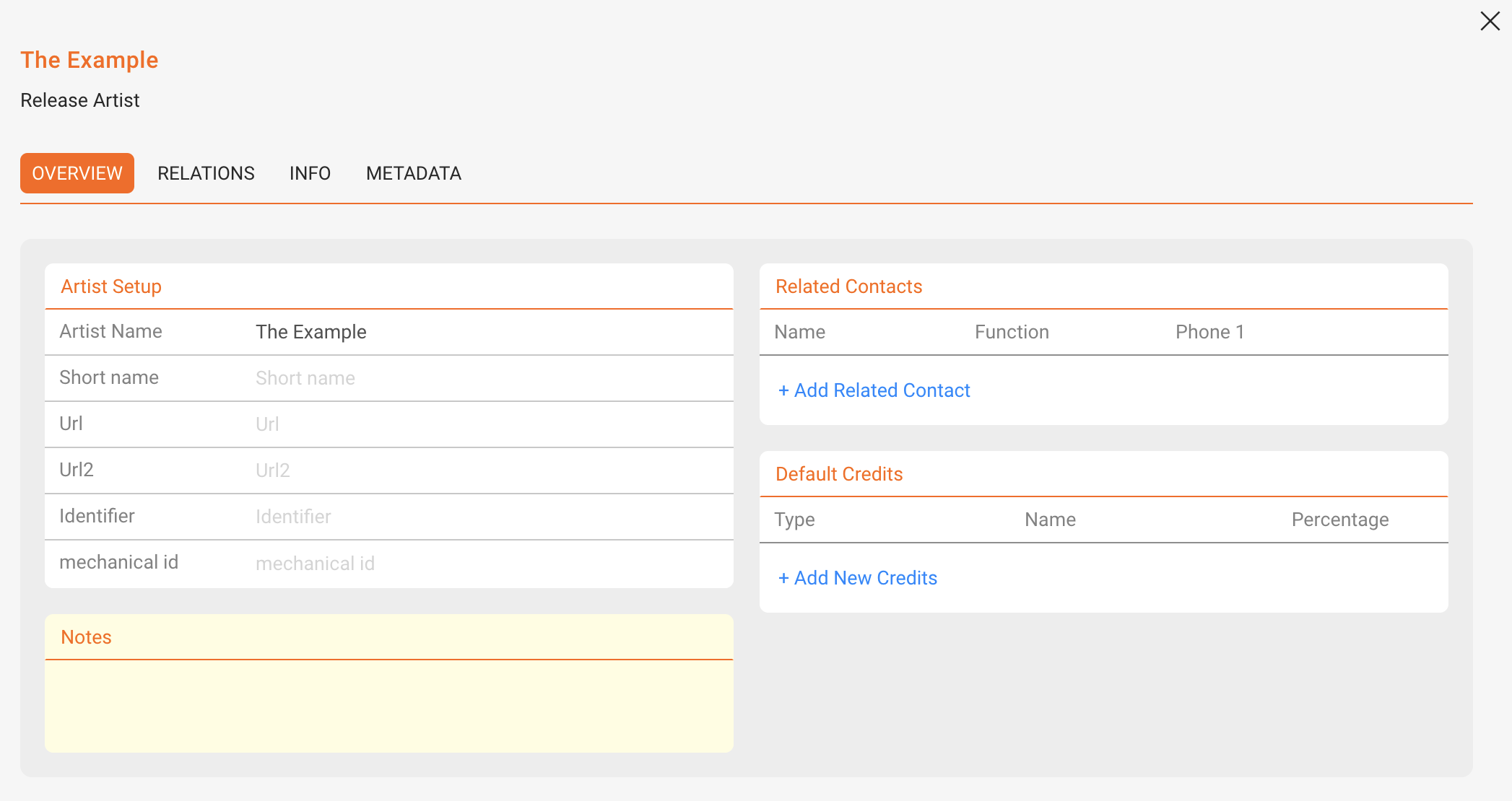
RELATIONS
See and manage the releases linked to this artist. This creates a lightweight discography view and helps you navigate to related releases quickly.
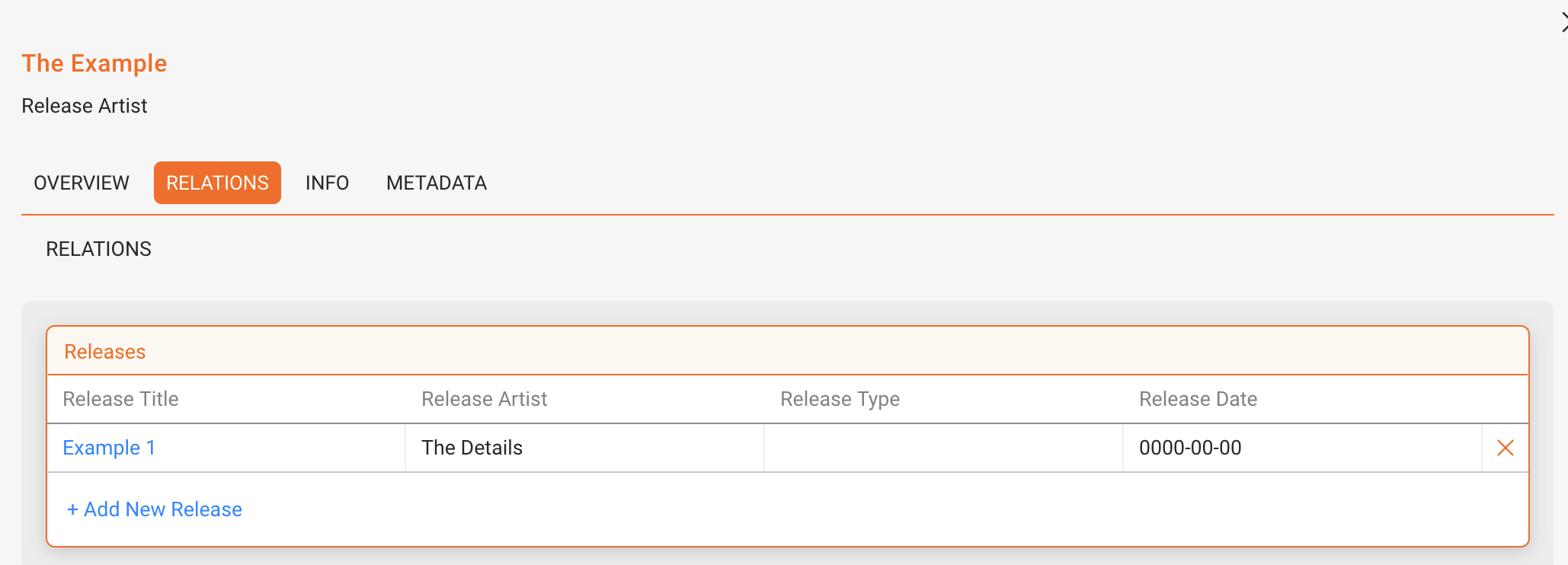
INFO
Store Biographies, upload Images, and attach Audio/Files that are relevant for your team s workflows.
METADATA
Maintain distribution- and registration-relevant fields (e.g., Producing Country, SENA Country Number) required by certain collection societies or delivery contexts.
To activate metadata fields contact our team.
