
How to start with details – manual
Read previous step here how to set up / add Royalty Accounts, Contracts and Recoupables.
To account Recoupables in a batch across all releases & products go to LABEL / STATEMENTS / RECOUPABLES
Select the start and end date of your current royalty period and add more filters if needed.
To account all, click Account All at the bottom of the page.
Alternatively you can account single recoupable costs by clicking Account Recoupable line by line.
Please note: If it s displayed Not Recoupable instead, the royalty contract has no recoupment option. If this is not correct you need to update your settings at LABEL / ROYALTY / RECOUPABLES
Once you have accounted the recoupables, they will be set off against royalties in the royalty statement.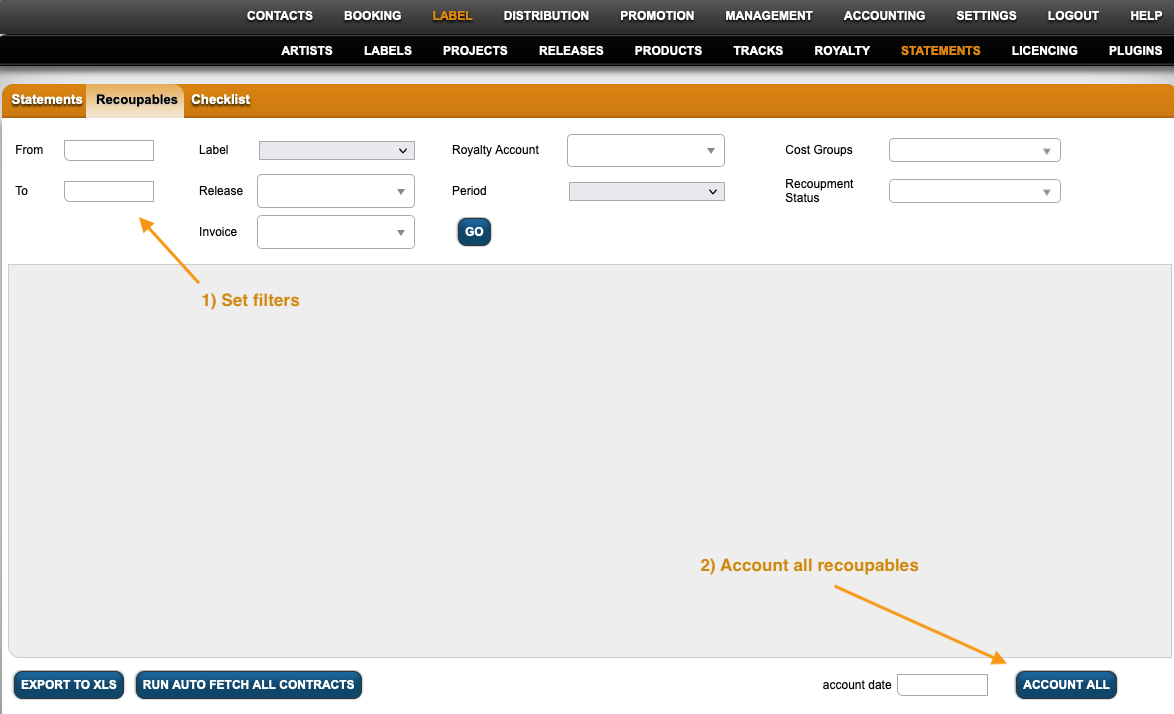
Read next step here – how to create Royalty Statements