
Table of contents
In PRODUCTS / TRACKS you can manage the ISRC (International Standard Recording Code) of each track. The ISRC is the globally recognized identifier for sound recordings and music video recordings. Every track in details must have a valid ISRC in order to be reported correctly in statements and royalty accounting.
What is an ISRC?
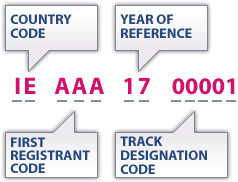
An ISRC is always 12 characters long and follows a fixed structure:
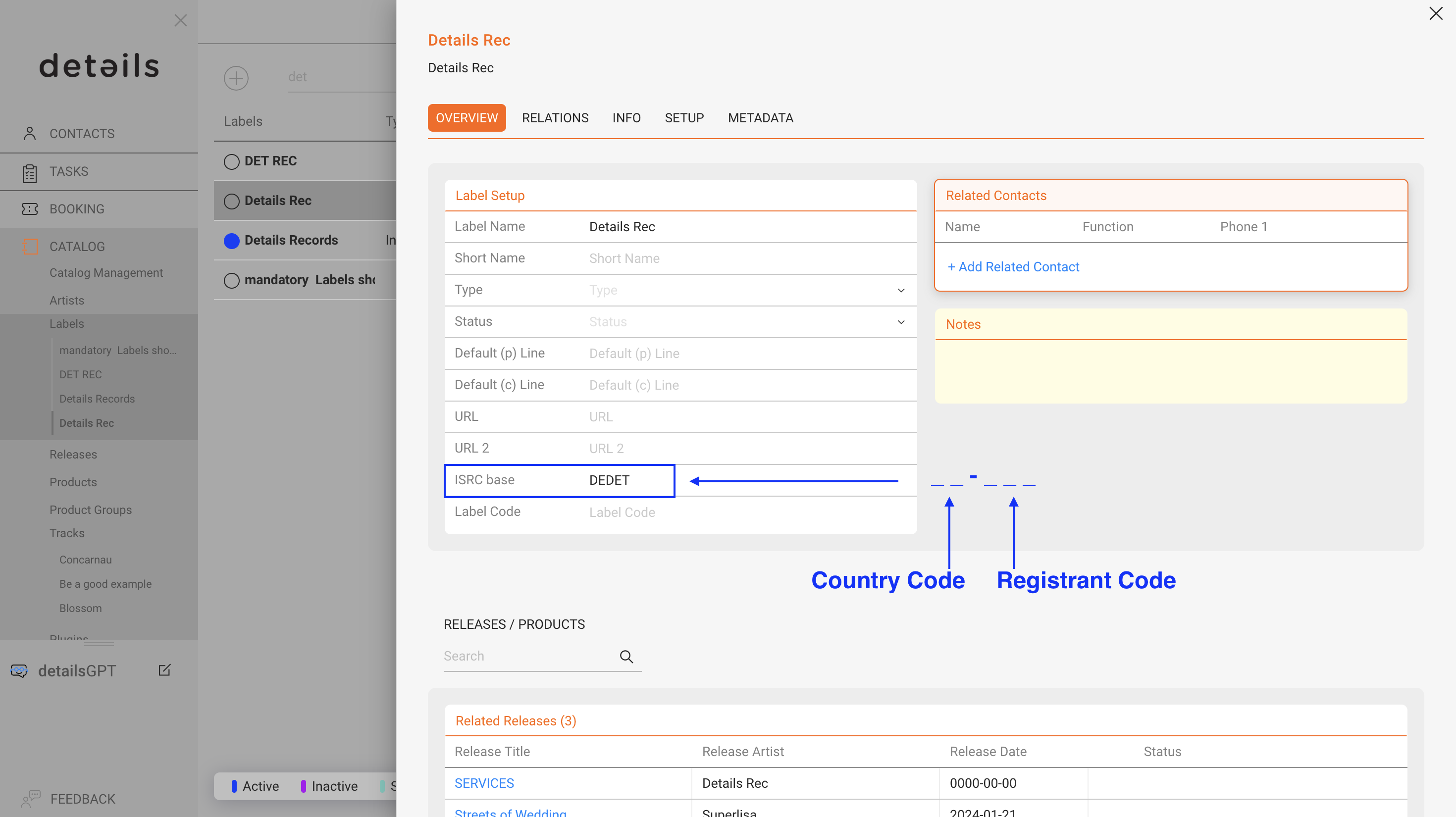
- CC two-character country code of the registrant
- XXX three-character alphanumeric registrant code
- YY the last two digits of the reference year when the ISRC is assigned
- NNNNN a five-digit unique number identifying the specific recording
Example format: CCXXXYYNNNNN (Hyphens are often shown for readability, but in details the ISRC is stored without them.)
Automatic ISRC Generation
In details, you can generate ISRCs automatically. This saves time and ensures codes are consistent and correct.
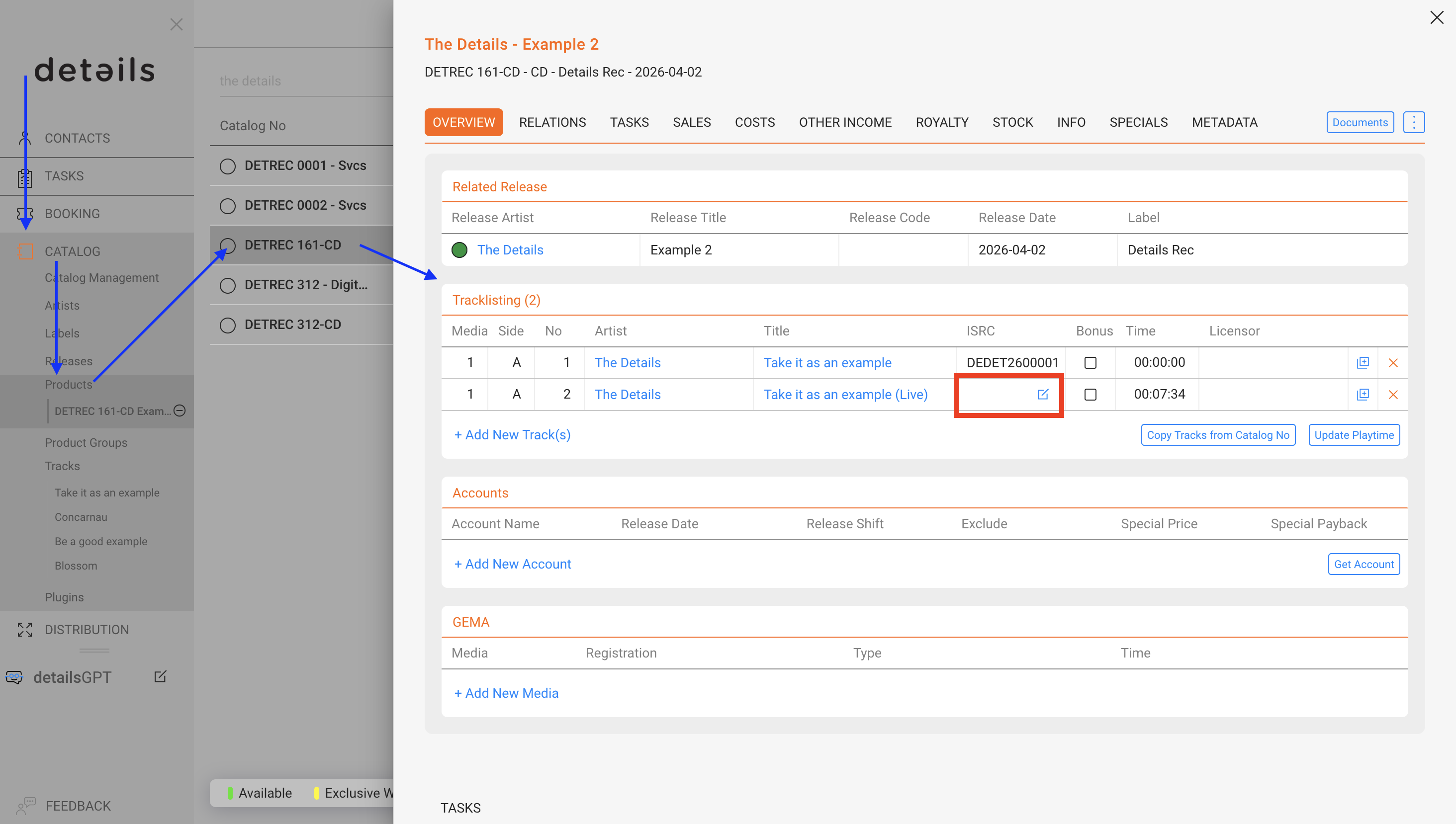
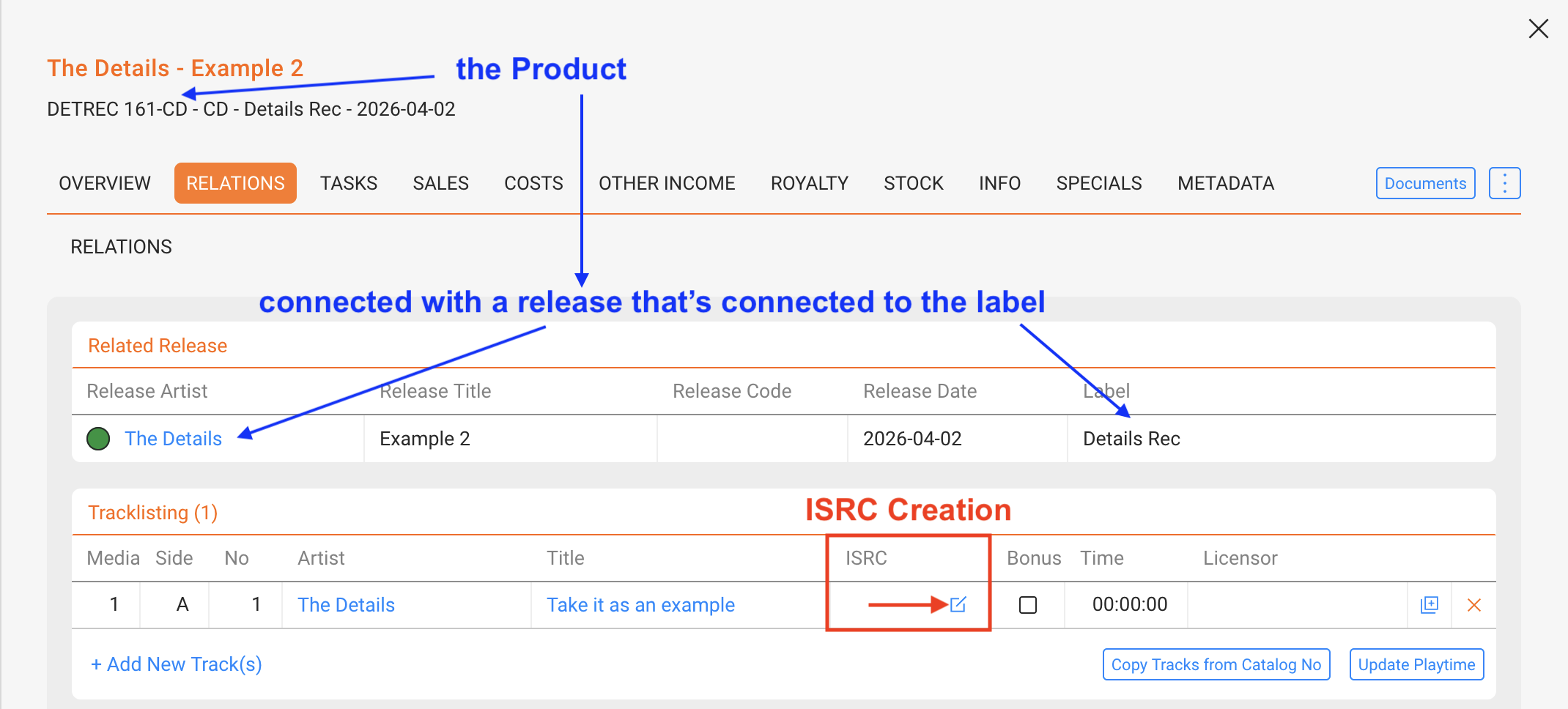
To generate a new ISRC, click the grey icon in the ISRC column of the Tracklisting within a product (CATALOG / PRODUCTS / selected product / RELATIONS).
Prerequisites for Automatic Generation
Automatic ISRC generation only works if the following three conditions are met:
-
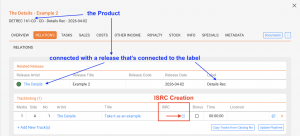
The track is connected to a Product, which must itself be linked to a Release.
-
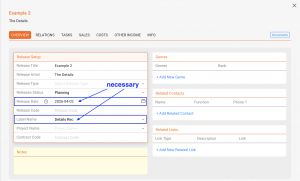
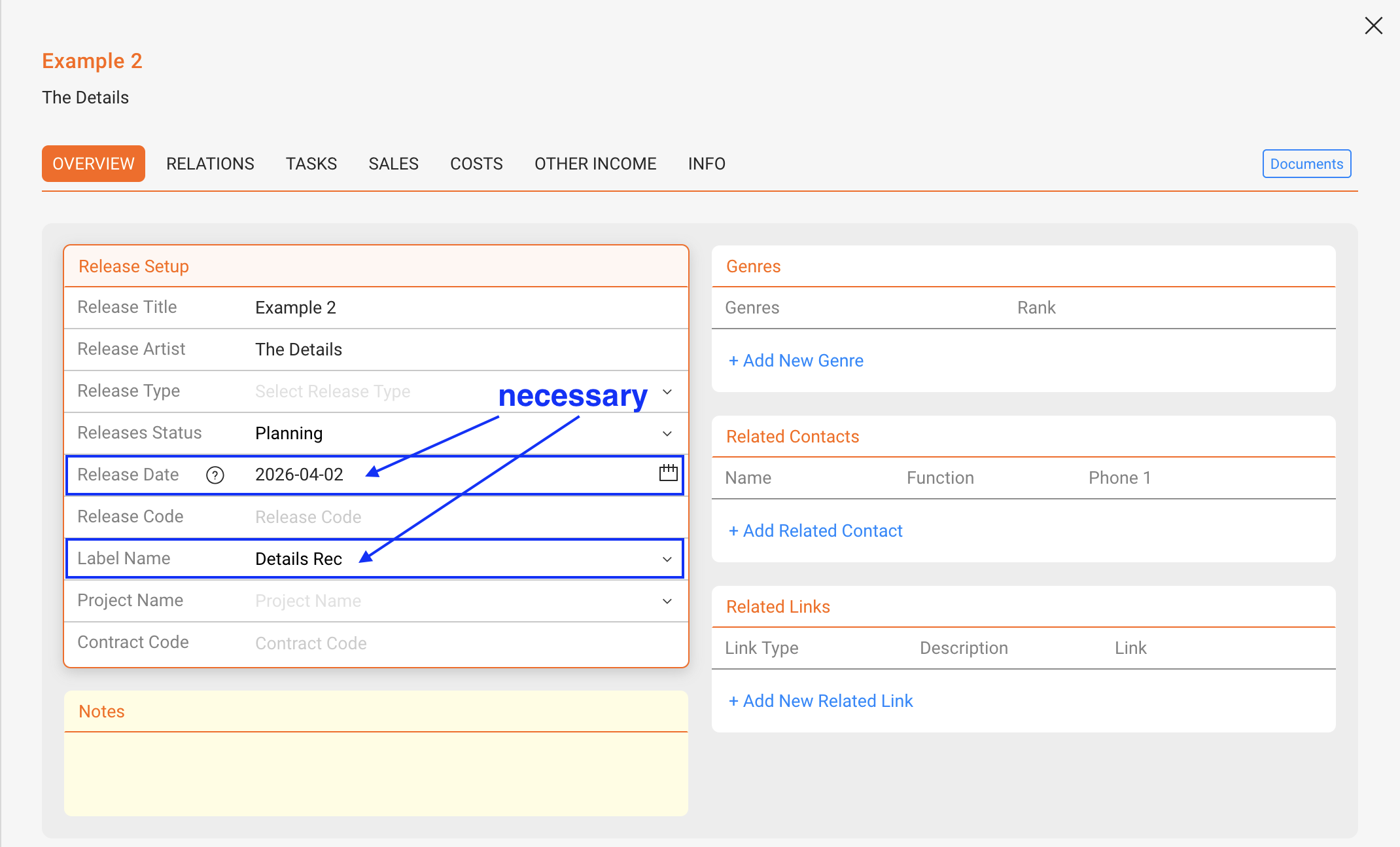
The Release has a release date and is connected to a Label.
-
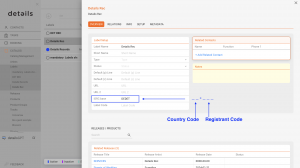
The Label has an ISRC base set (country code + registrant code). This ISRC base is entered under CATALOG / LABEL / selected label / OVERVIEW.
Once these conditions are fulfilled, the system will generate the next sequential ISRC based on your Label’s ISRC base.